
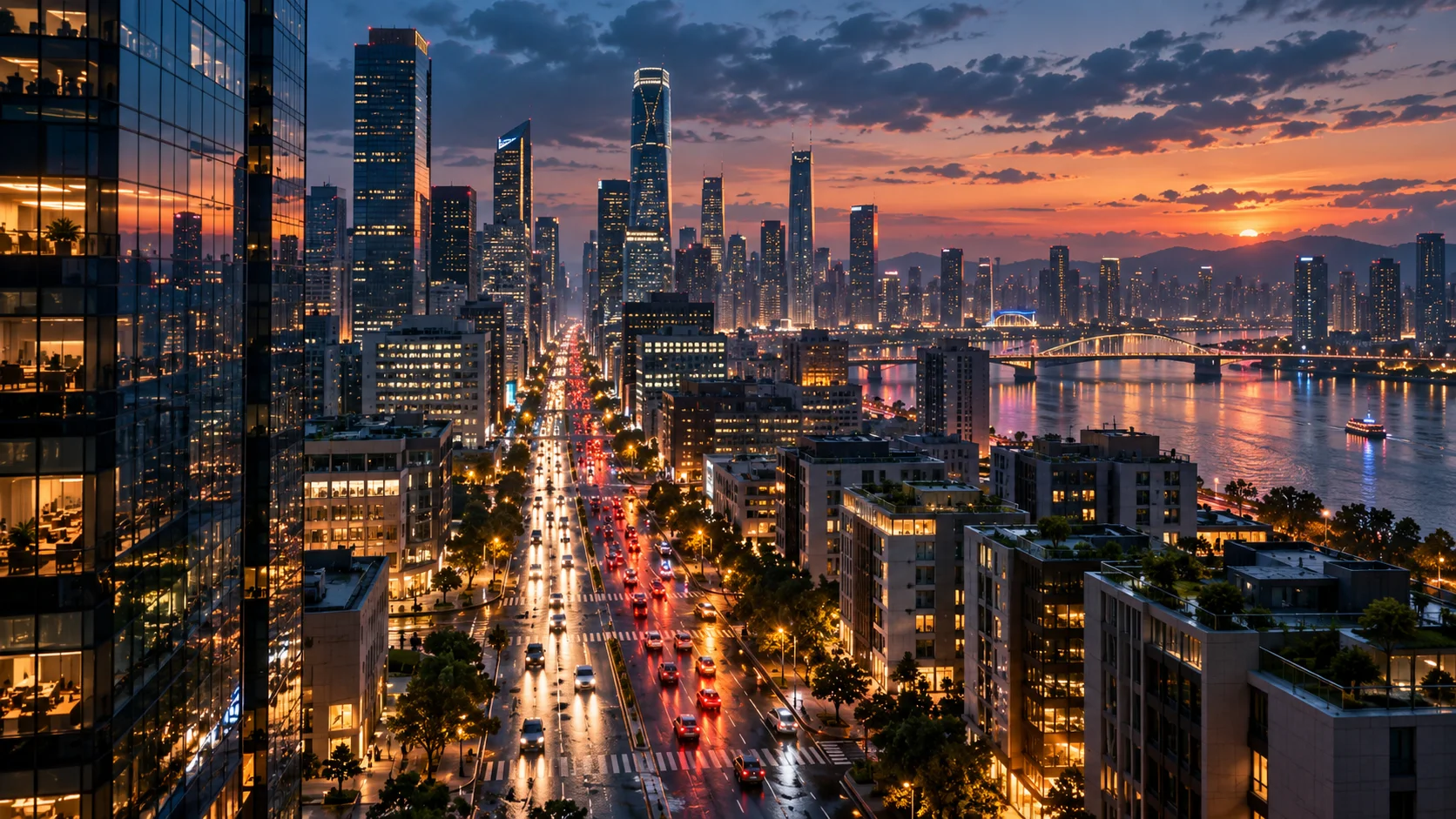
 Text to video · cinematic
生成的视频将在这里显示
Motixo 视频工作流
在 Motixo 使用 Text to Video
Describe a scene, camera move, and mood — generate short text to video clips for campaigns and social.
- 清晰素材即可开始
- 适配真实使用场景
- 一次生成多个方向
如何使用 Text to Video
步骤 1
Write the scene
Subject, location, lighting, and camera move for text to video.
步骤 2
Pick duration and ratio
Match feed or landscape campaign specs.
步骤 3
Generate and iterate
Refine prompts until pacing and mood fit.
Text to Video 功能亮点
Prompt-only creation
No filming crew — start from language alone.
Cinematic camera language
Push, orbit, and tracking moves in text to video prompts.
Ad and social formats
Vertical and landscape outputs for paid and organic.
Model switching
Try different video models for realism or stylization.
Text to Video 生成示例


Text to Video 常见问题
Include subject, action, camera, and light. Vague prompts produce vague clips.