
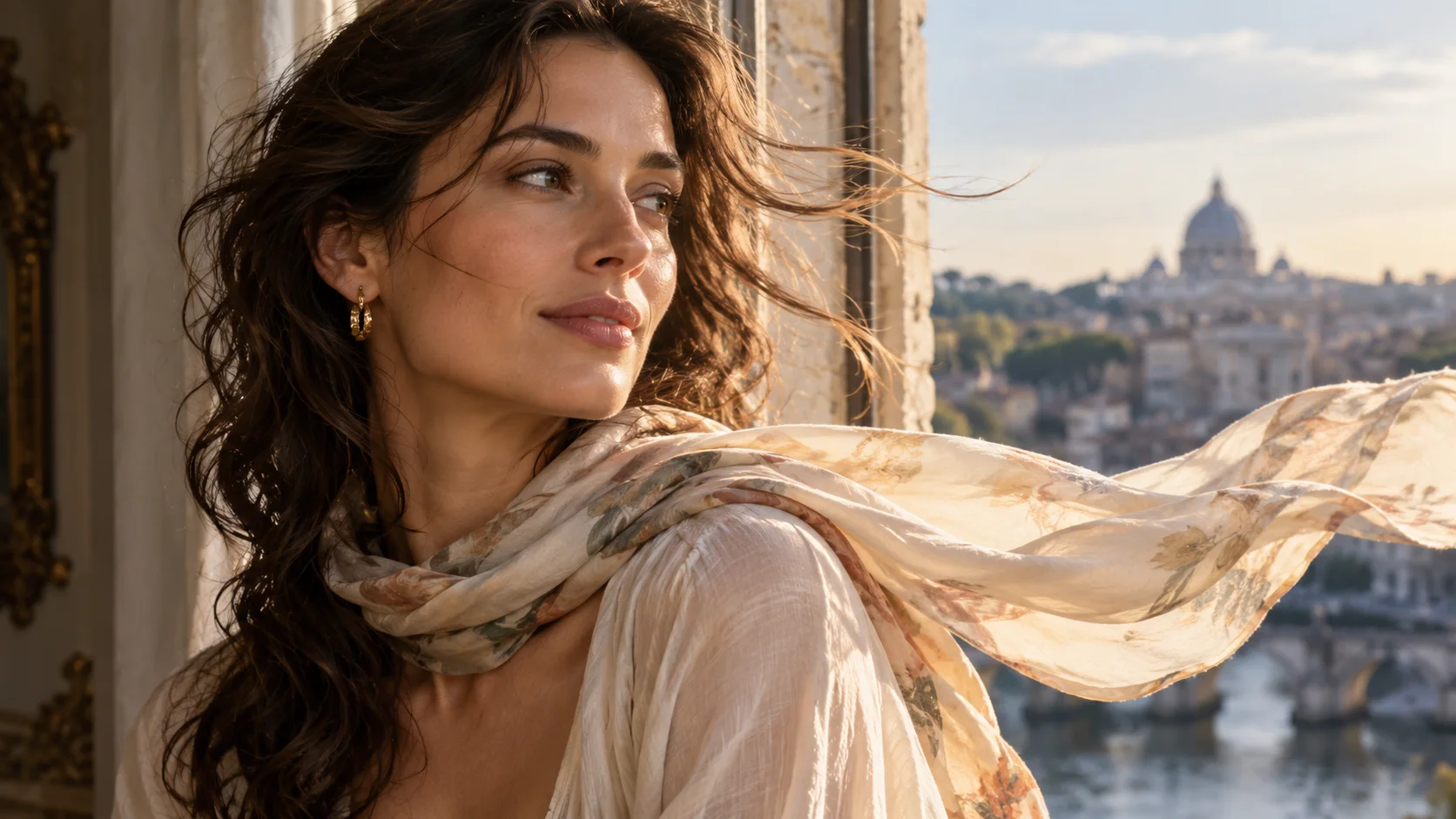
 Image to video · first & last frame
生成的视频将在这里显示
Motixo 视频工作流
在 Motixo 使用 Image to Video
Animate a still into a short clip using first frame and last frame control — camera move, subtle motion, and cinematic pacing.
- 清晰素材即可开始
- 适配真实使用场景
- 一次生成多个方向
如何使用 Image to Video
步骤 1
Upload the first frame
Choose a sharp still as the opening image for image to video.
步骤 2
Optional last frame
Guide the ending pose or product angle so motion lands cleanly.
步骤 3
Describe camera motion
Orbit, push-in, or breeze — then generate the clip.
Image to Video 功能亮点
First frame control
Lock the opening composition so motion starts on-brand.
Last frame guidance
Steer the ending pose for product reveals and portraits.
Natural micro-motion
Hair, fabric, and light shifts that feel filmed.
Campaign clip length
Short social-ready image to video outputs for ads and stories.
From Motixo stills
Chain image tools into motion without leaving the studio.
Image to Video 生成示例

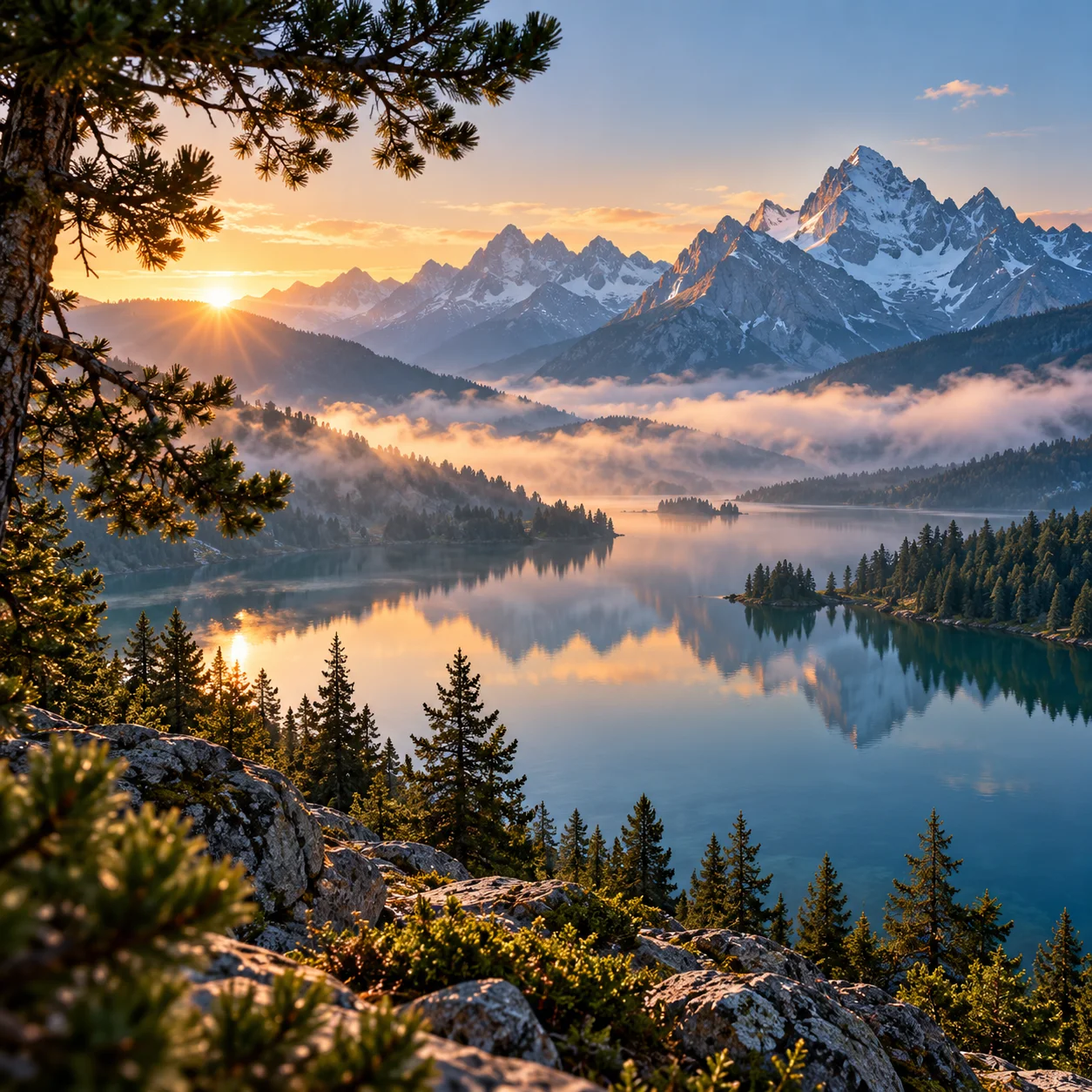
Image to Video 常见问题
Open Motixo image to video, upload your still as the first frame, optionally set a last frame, describe motion, and generate.