
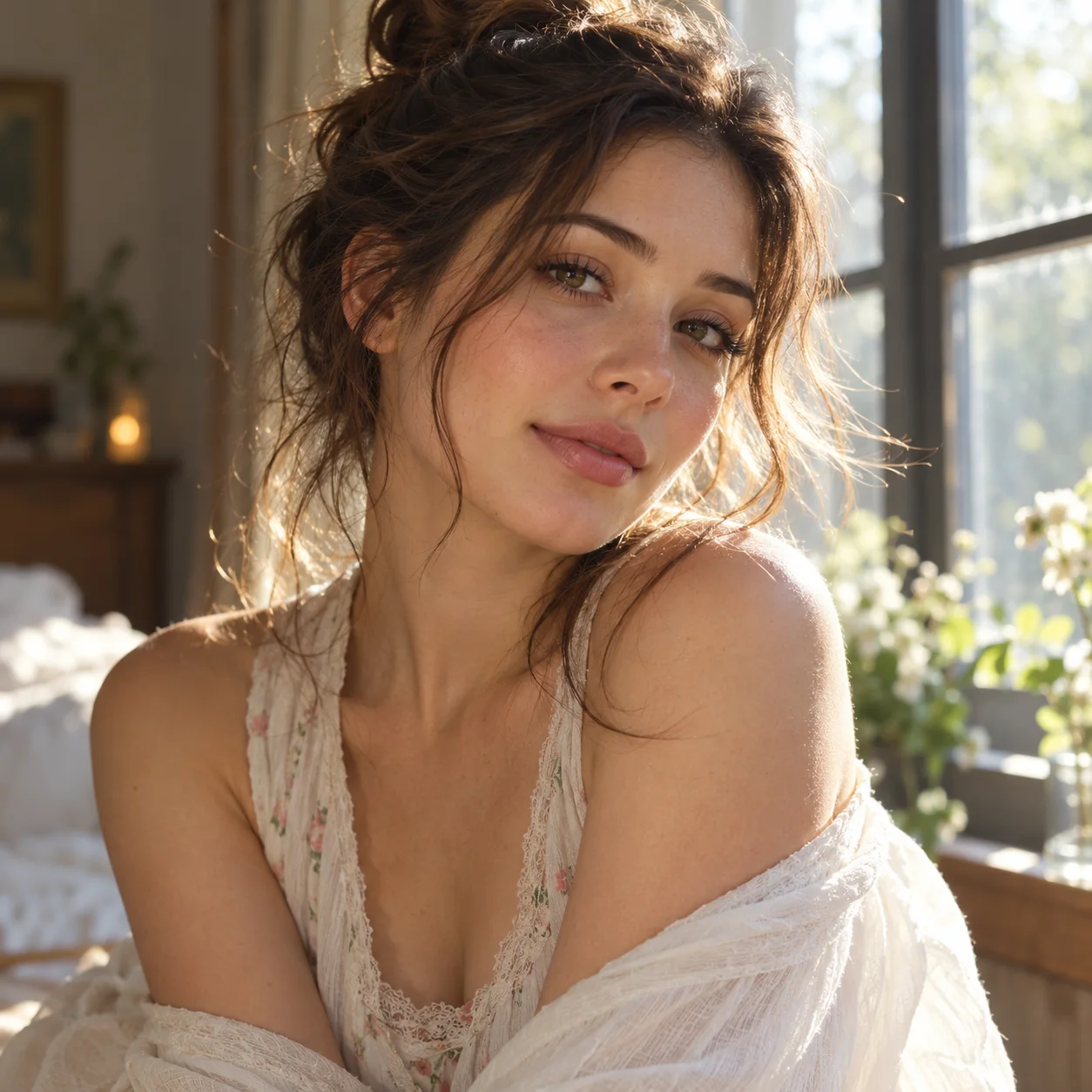
 Photo to video · living still
生成的视频将在这里显示
Motixo 视频工作流
在 Motixo 使用 Photo to Video
Animate a single photo into a short living clip — gentle motion and camera life without complex multi-frame setup.
- 清晰素材即可开始
- 适配真实使用场景
- 一次生成多个方向
如何使用 Photo to Video
步骤 1
Choose one photo
Pick a sharp still you want to bring to life with photo to video.
步骤 2
Select motion mood
Subtle portrait life, product shimmer, or soft parallax.
步骤 3
Generate the clip
Export a short loop or social-ready video.
Photo to Video 功能亮点
One-photo simplicity
No last-frame setup — ideal when you only have a single still.
Portrait life
Soft expression and hair cues for people photos.
Product shimmer
Light sweeps that make catalog stills feel alive.
Fast social posts
Ship photo to video clips without a full storyboard.
Photo to Video 生成示例
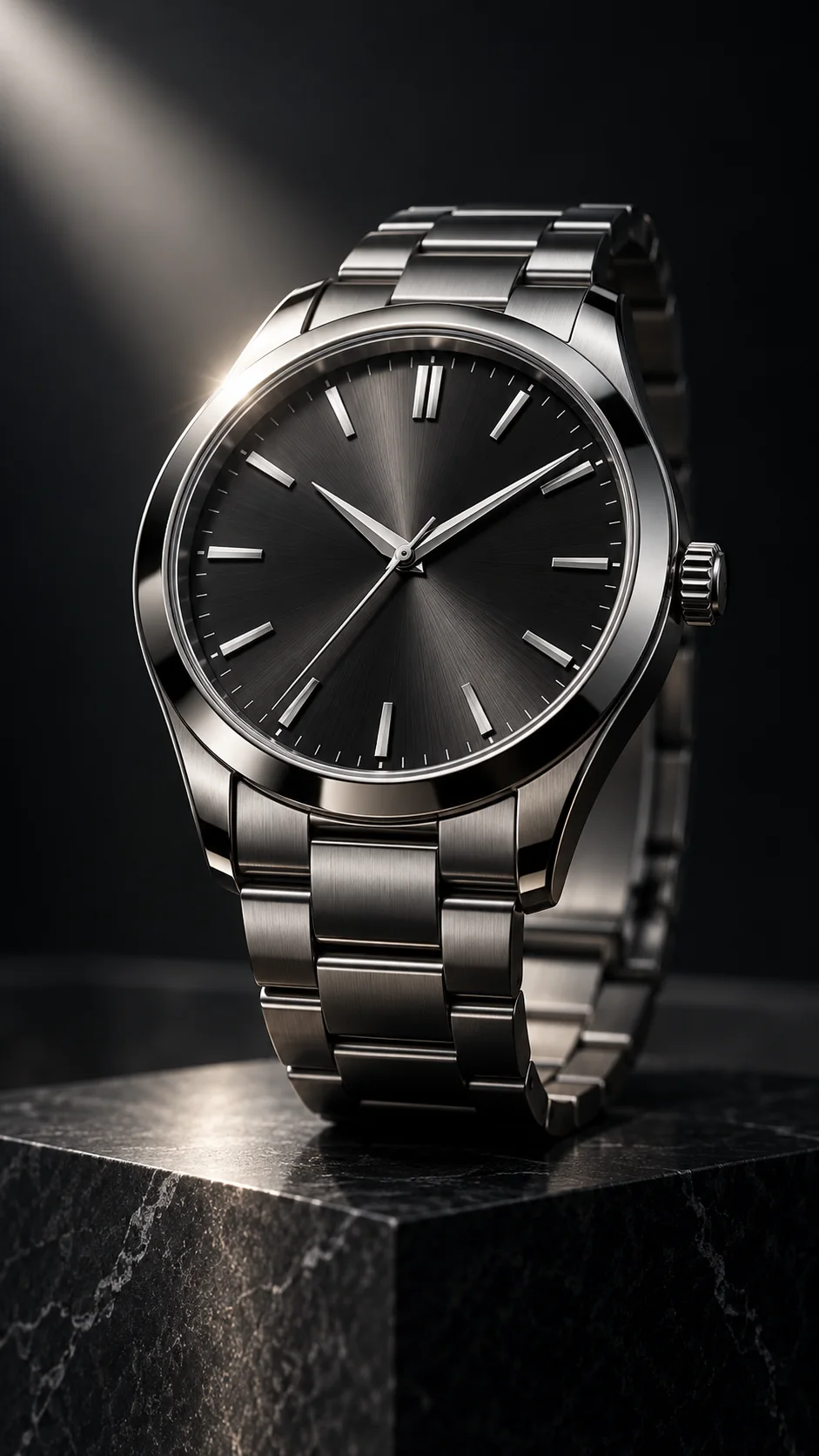

Photo to Video 常见问题
Photo to video emphasizes simple one-still animation. Image to video adds first frame and last frame control for directed motion paths.