
 Image upscaler · 4x detail
生成的图片将在这里显示
Motixo 图片工作流
在 Motixo 使用 Image Upscaler
Enlarge low-resolution images for print, banners, and retina UI while keeping edges and textures clean.
- 清晰素材即可开始
- 适配真实使用场景
- 一次生成多个方向
如何使用 Image Upscaler
步骤 1
Upload a small image
Start with web-sized assets you need larger.
步骤 2
Pick scale factor
Choose 2x or 4x depending on print or screen needs.
步骤 3
Download the upscale
Export a sharper large file from the image upscaler.
Image Upscaler 功能亮点
2x and 4x enlargement
Grow assets for billboards, packaging proofs, and UI.
Edge-aware sharpening
Reduce mushy blur common in naive resize.
Texture preservation
Keep fabric, skin, and product materials believable.
Batch campaign assets
Upscale entire creative sets before launch.
Image Upscaler 生成示例
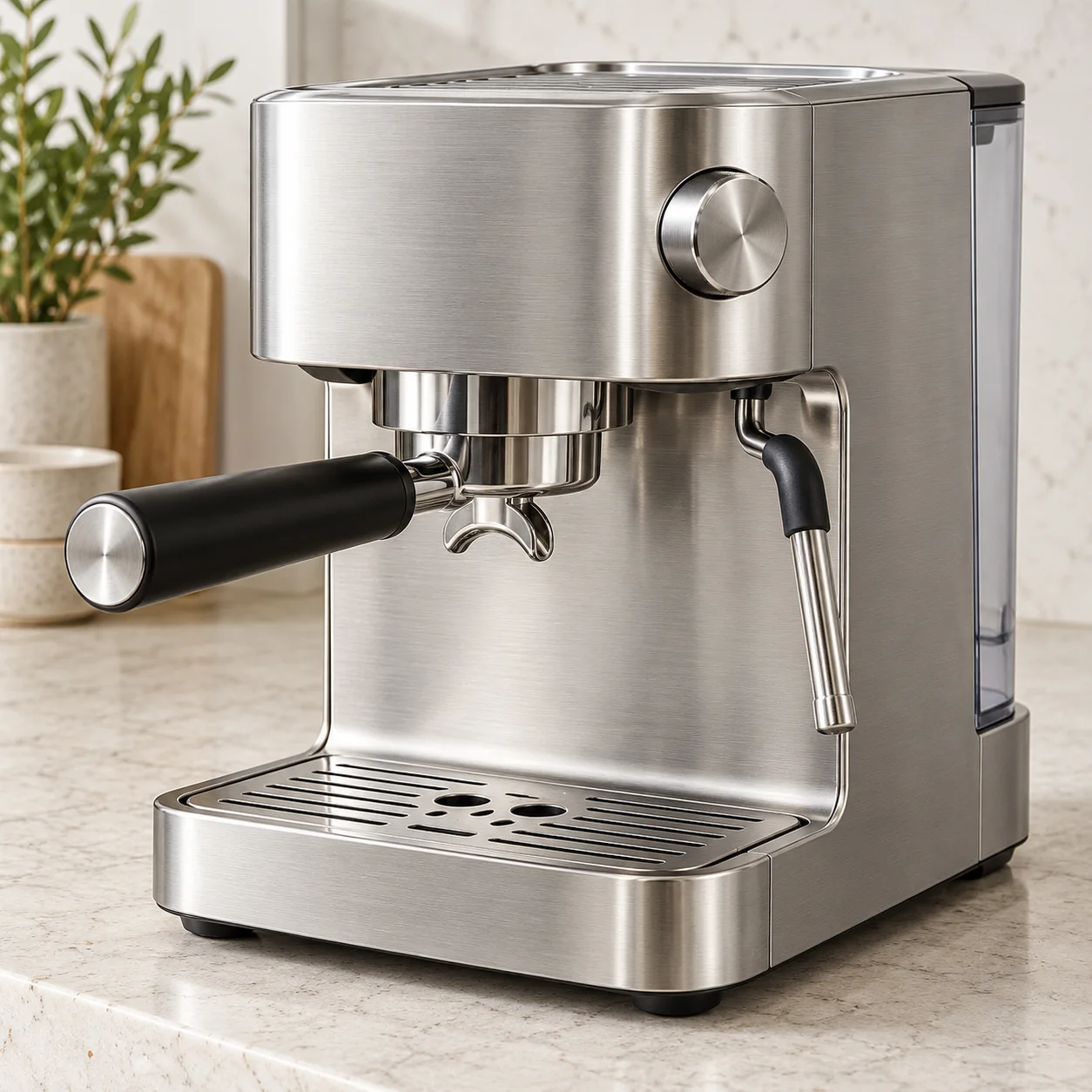
Image Upscaler 常见问题
The best image upscaler depends on subject — Motixo targets commercial stills with clean edges and natural texture.