
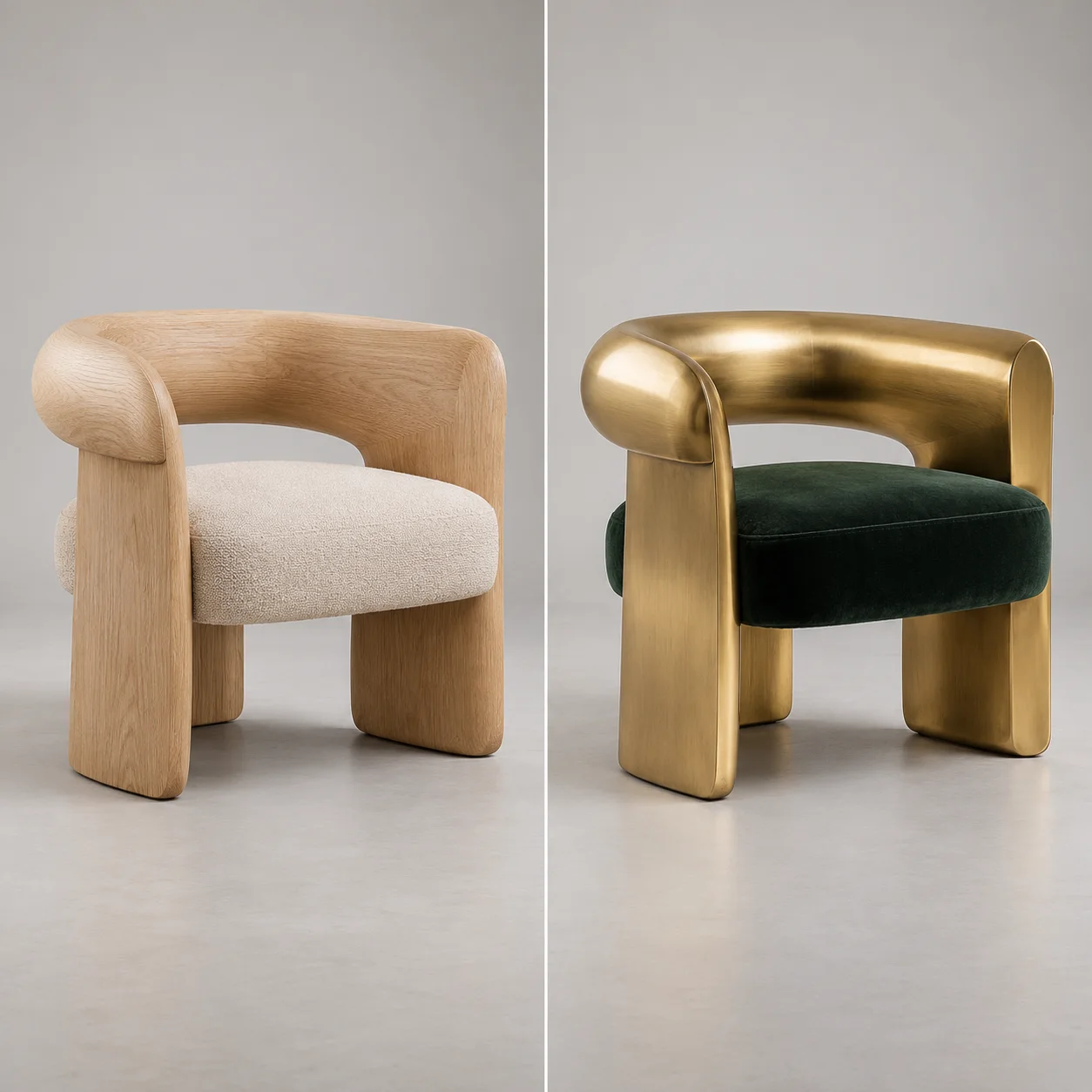
 Image to image AI · restyle
生成的图片将在这里显示
Motixo 图片工作流
在 Motixo 使用 Image to Image AI
Guide generation with a reference image — keep composition cues while exploring new styles, materials, and moods.
- 清晰素材即可开始
- 适配真实使用场景
- 一次生成多个方向
如何使用 Image to Image AI
步骤 1
Add a reference image
Upload the photo whose structure you want image to image AI to follow.
步骤 2
Describe the new look
Change style, materials, or era while keeping layout cues.
步骤 3
Generate variations
Explore options that honor the reference silhouette.
Image to Image AI 功能亮点
Structure-aware restyle
Preserve pose and layout while shifting aesthetic.
Material swaps
Try wood, metal, fabric, or paint finishes on the same form.
Brand look exploration
Generate campaign variants from one approved still.
Creator-friendly iteration
Tight feedback loops for art direction.
Image to Image AI 生成示例
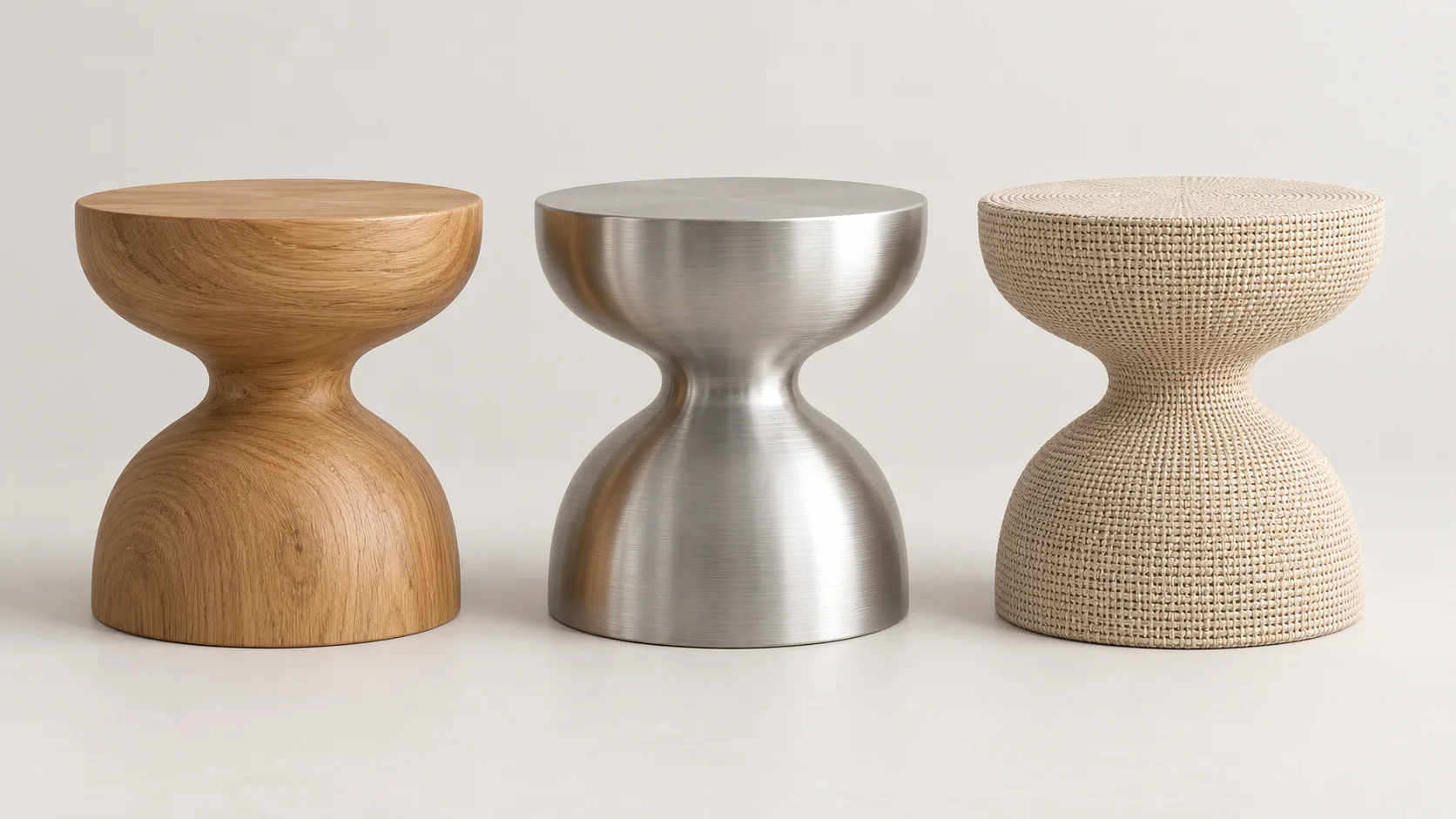
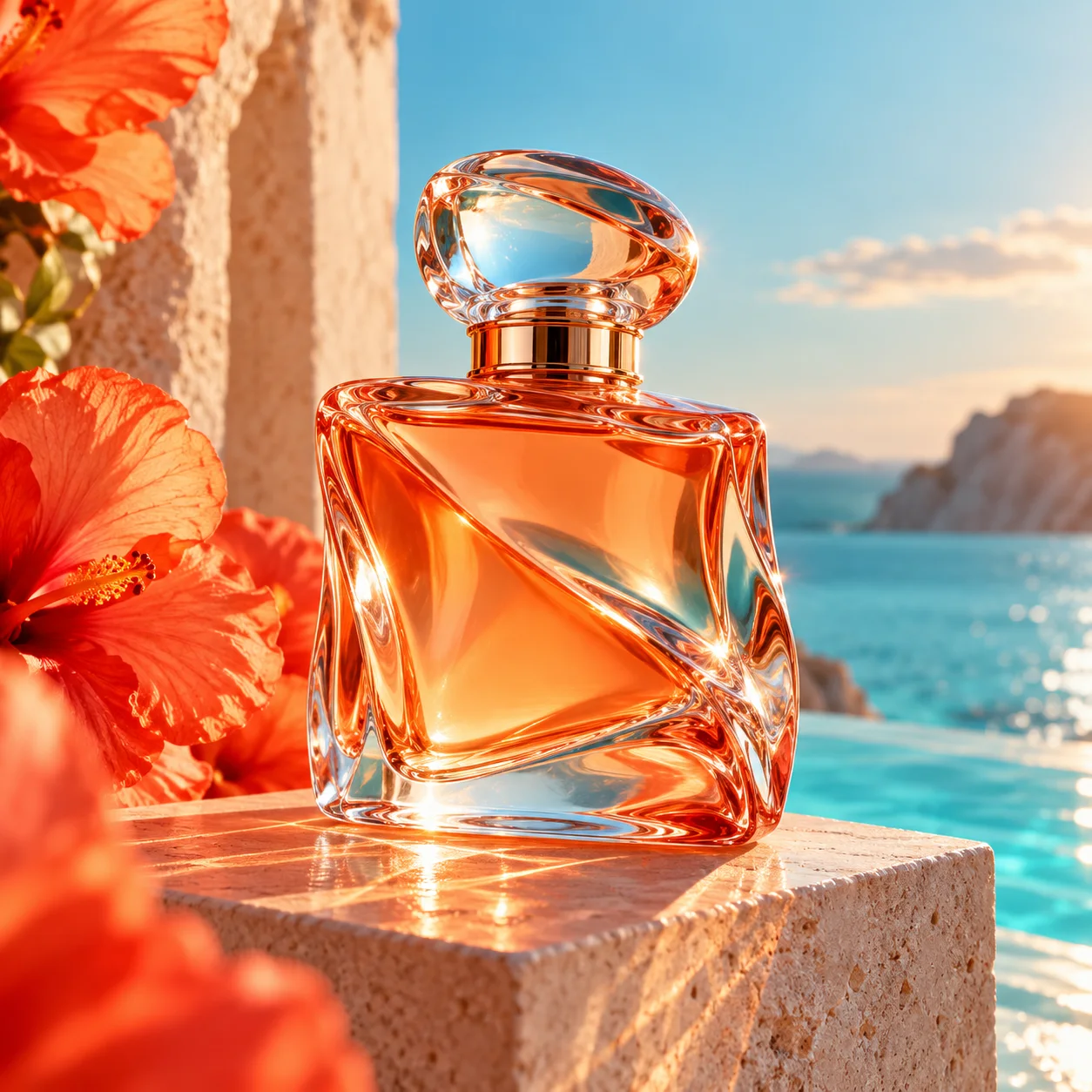
Image to Image AI 常见问题
Image to image AI uses a reference photo plus a prompt so new outputs keep structural cues from the original.