
 AI video editor · polished cut
生成的视频将在这里显示
Motixo 视频工作流
在 Motixo 使用 AI Video Editor
Polish generated or filmed clips — pacing cues, visual restyle, and cleanup so cuts feel publish-ready.
- 清晰素材即可开始
- 适配真实使用场景
- 一次生成多个方向
如何使用 AI Video Editor
步骤 1
Import the clip
Bring a generated or filmed video into the AI video editor.
步骤 2
Describe the edit
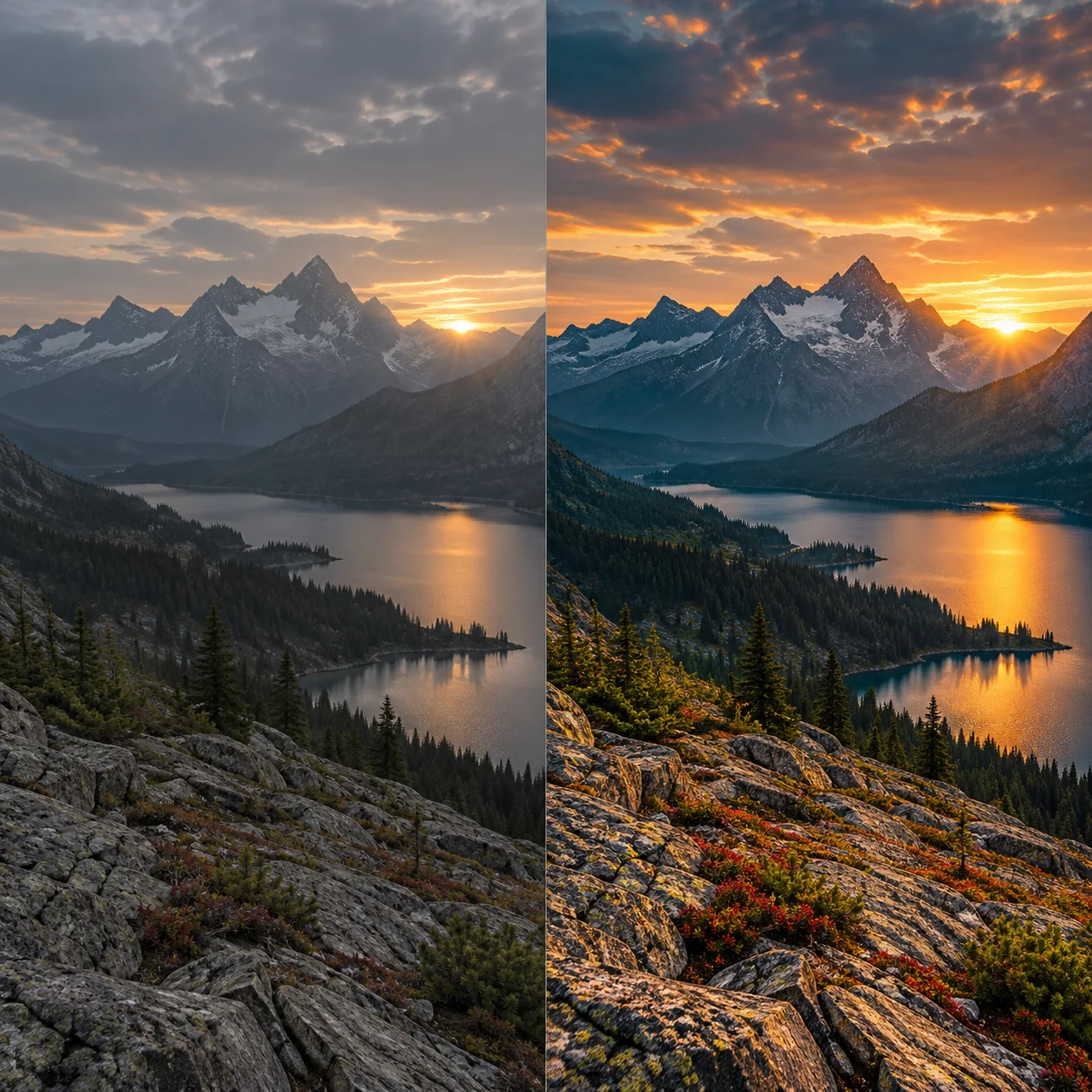
Ask for tighter pacing, warmer grade, or cleaner framing.
步骤 3
Export the cut
Download a social-ready version.
AI Video Editor 功能亮点
Prompt-assisted polish
Describe the finish instead of scrubbing every parameter.
Look and grade shifts
Move from flat to cinematic without a full color suite.
Social cut focus
Keep AI video editor outputs short and platform-friendly.
Works with Motixo generations
Edit text to video and image to video results in one place.
AI Video Editor 生成示例

AI Video Editor 常见问题
It accelerates polish and restyle. Complex multi-track timelines still belong in a dedicated NLE.