
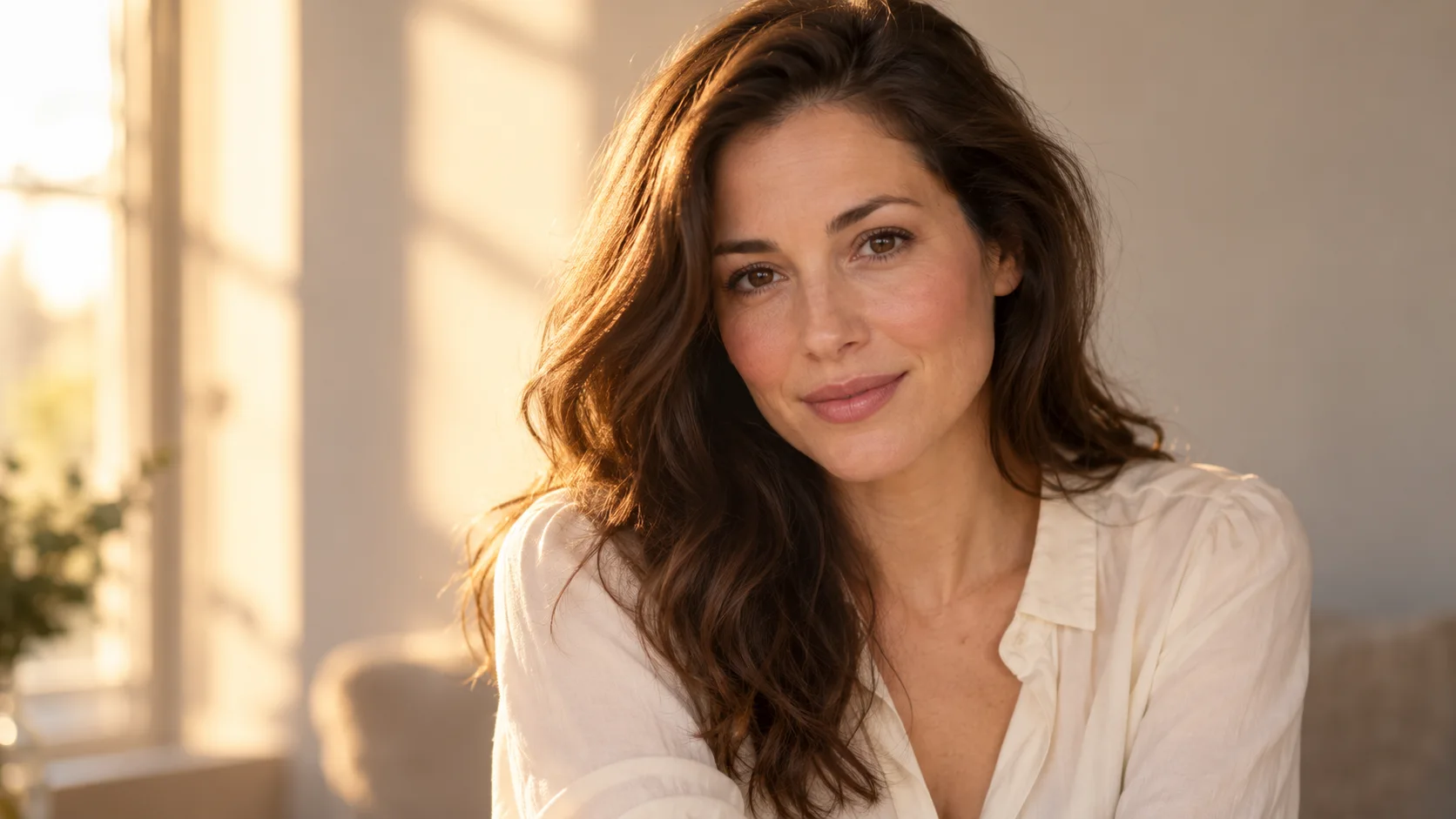
 AI photo editor · restyle
生成的图片将在这里显示
Motixo 图片工作流
在 Motixo 使用 AI Photo Editor
Restyle and retouch photos with prompt-guided edits — lighting, background cleanup, and creative direction in one flow.
- 清晰素材即可开始
- 适配真实使用场景
- 一次生成多个方向
如何使用 AI Photo Editor
步骤 1
Upload your photo
Bring the frame you want to reshape into the AI photo editor.
步骤 2
Describe the edit
Ask for warmer light, cleaner backdrop, or a new mood.
步骤 3
Review variations
Pick the strongest edit and export.
AI Photo Editor 功能亮点
Prompt-guided retouch
Natural language edits instead of dozens of manual layers.
Background cleanup
Simplify busy scenes for product and portrait focus.
Creative restyle
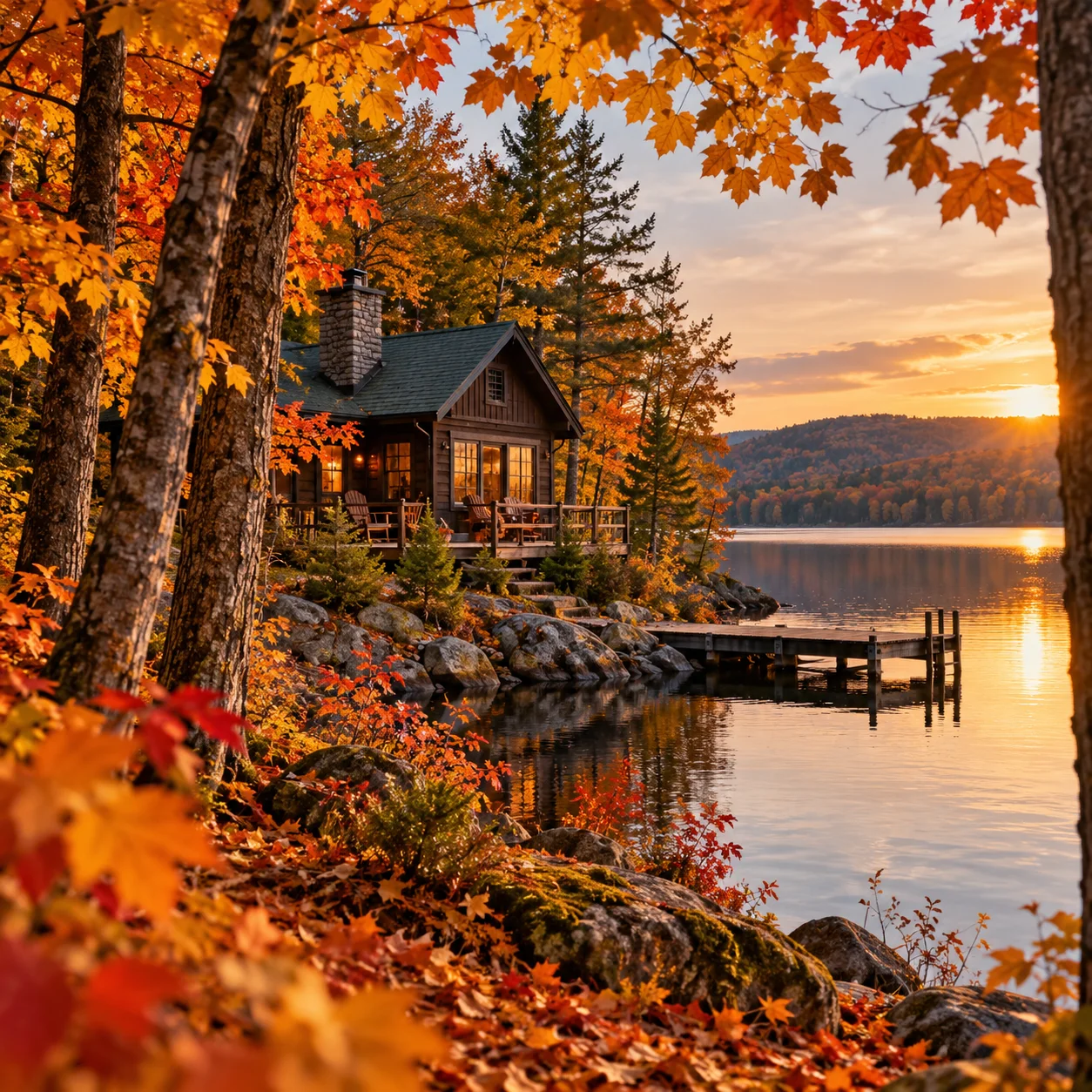
Shift season, time of day, or cinematic grade.
Campaign iteration
Spin multiple directions from one hero photo.
AI Photo Editor 生成示例

AI Photo Editor 常见问题
Yes — describe the change in plain language and Motixo applies the AI photo editor transform.