
 AI image enhancer · clearer detail
生成的图片将在这里显示
Motixo 图片工作流
在 Motixo 使用 AI Image Enhancer
Improve soft or dull photos with smarter sharpening, color balance, and noise cleanup for publish-ready stills.
- 清晰素材即可开始
- 适配真实使用场景
- 一次生成多个方向
如何使用 AI Image Enhancer
步骤 1
Upload the photo
Drop a soft, dark, or noisy image into the AI image enhancer.
步骤 2
Choose enhance strength
Dial detail recovery without plastic skin or halos.
步骤 3
Compare and export
Review before/after and download the enhanced frame.
AI Image Enhancer 功能亮点
Detail recovery
Bring back fabric, text, and edge clarity on soft shots.
Color and exposure balance
Fix flat lighting while keeping natural tones.
Noise cleanup
Reduce grain from low-light phone photos.
Web and print ready
Export sizes that fit social, ads, and decks.
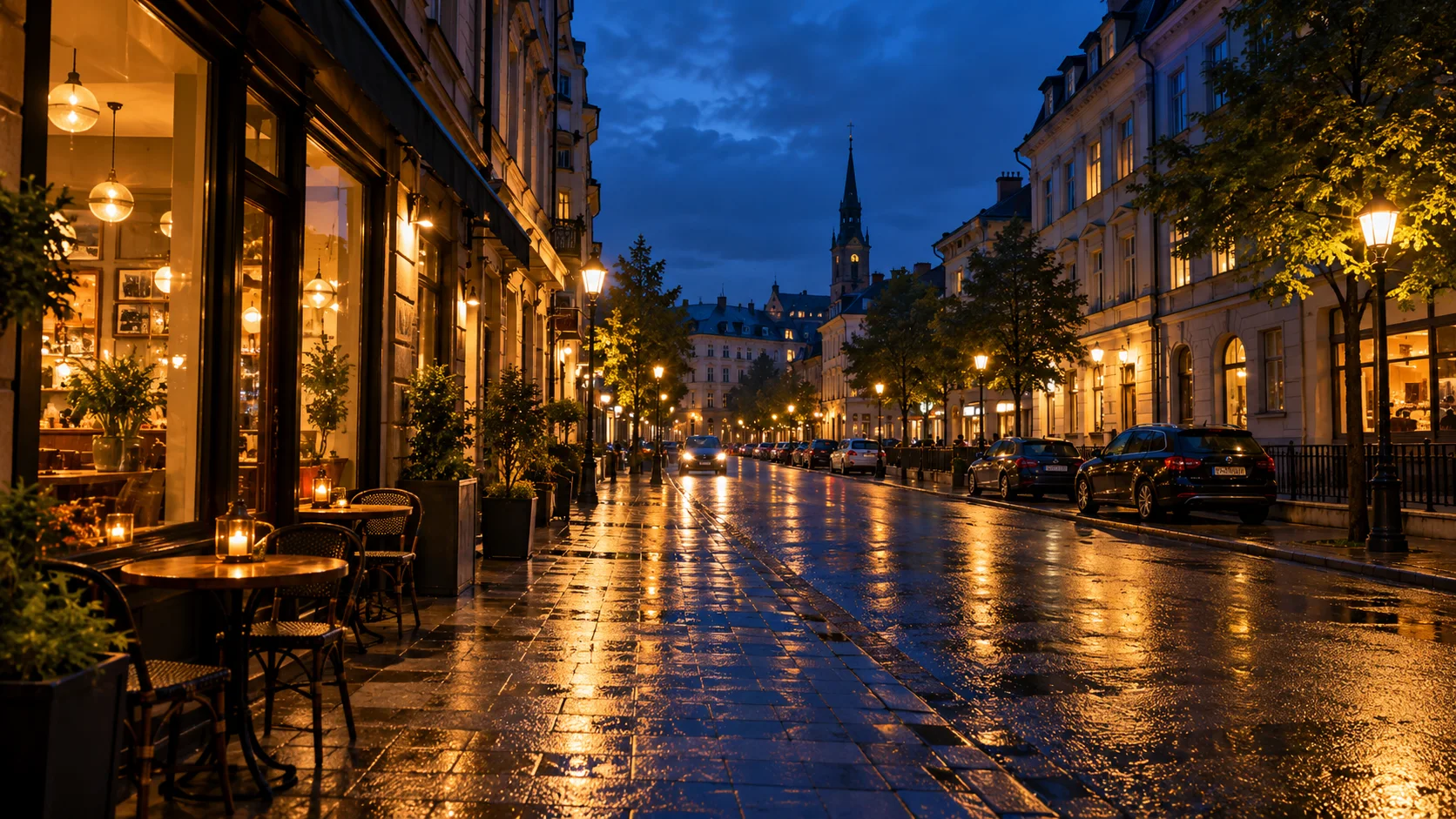
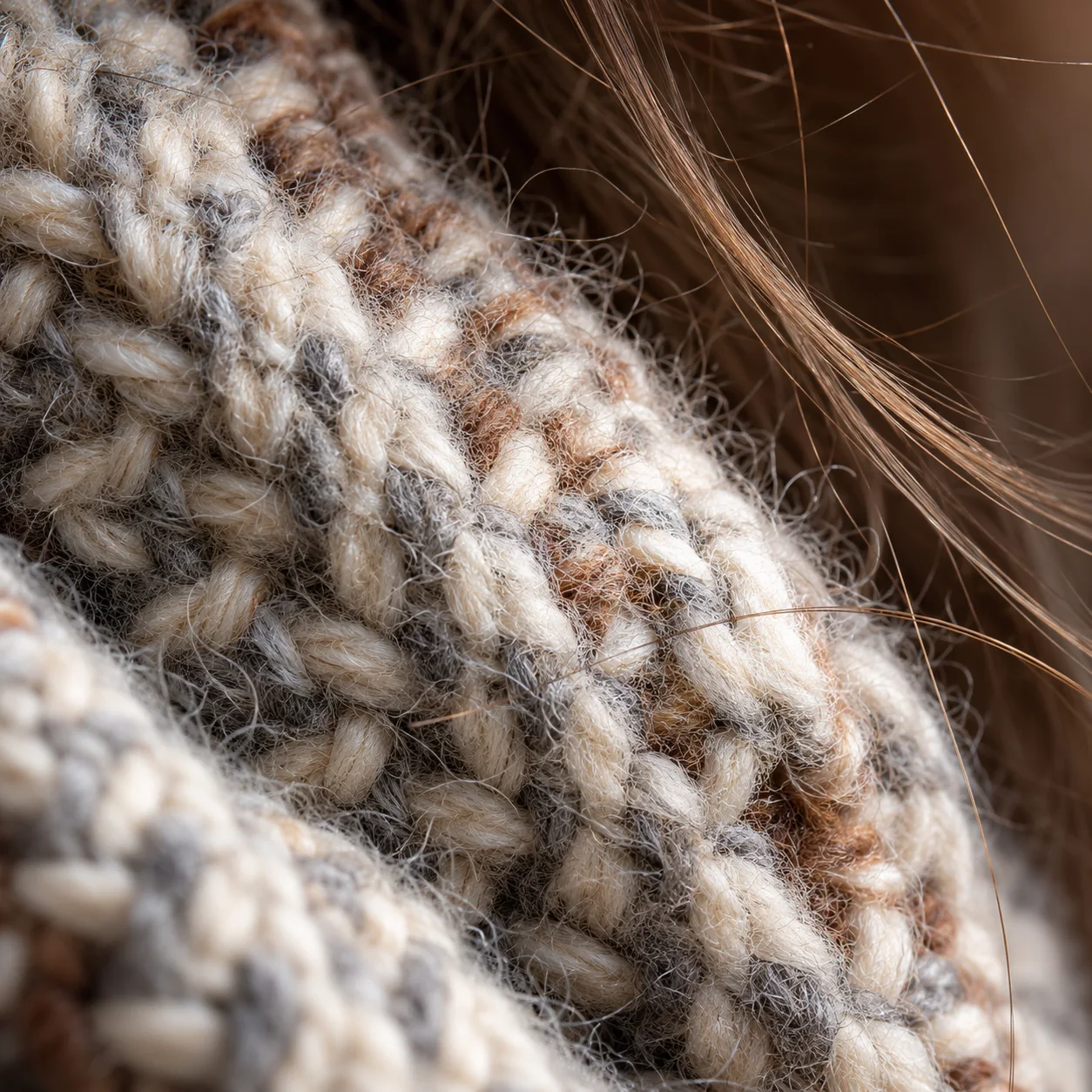
AI Image Enhancer 生成示例
AI Image Enhancer 常见问题
Look for tools that recover detail without plastic skin. Motixo AI image enhancer focuses on natural sharpness and color.