
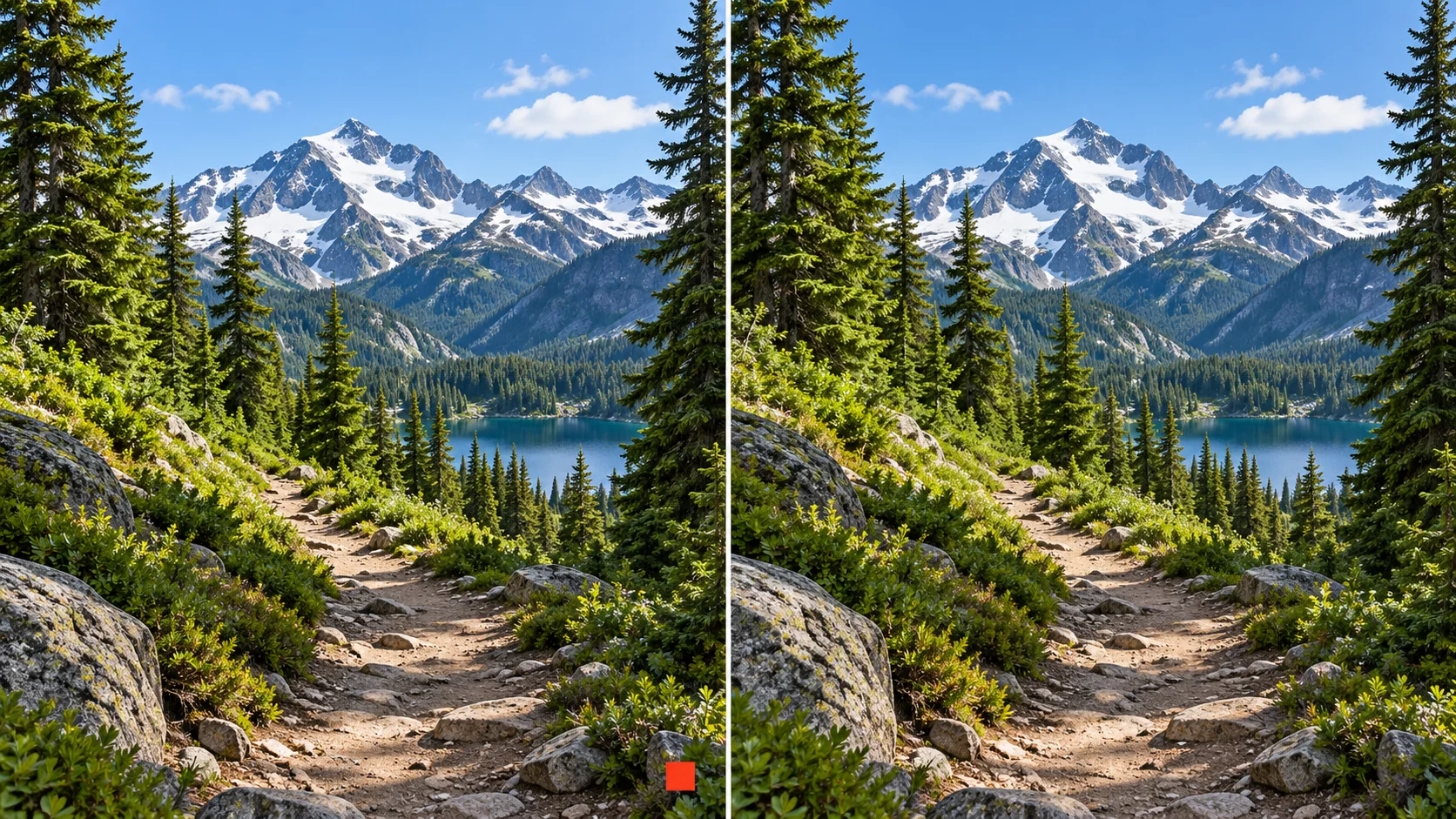
 Video watermark remover · clean pass
Generated video will be displayed here
Motixo video workflow
Video Watermark Remover on Motixo
Clean logo overlays and burned-in marks from footage you have rights to reuse — then export a cleaner master.
- Start with a clear brief
- Built for real production use
- Explore multiple directions
How to use Video Watermark Remover
Step 1
Upload owned footage
Only process clips you have rights to clean with the video watermark remover.
Step 2
Mark the overlay region
Target corner logos or burned-in text areas.
Step 3
Generate a clean pass
Review frames and export the cleaned video.
Video Watermark Remover Features
Overlay cleanup
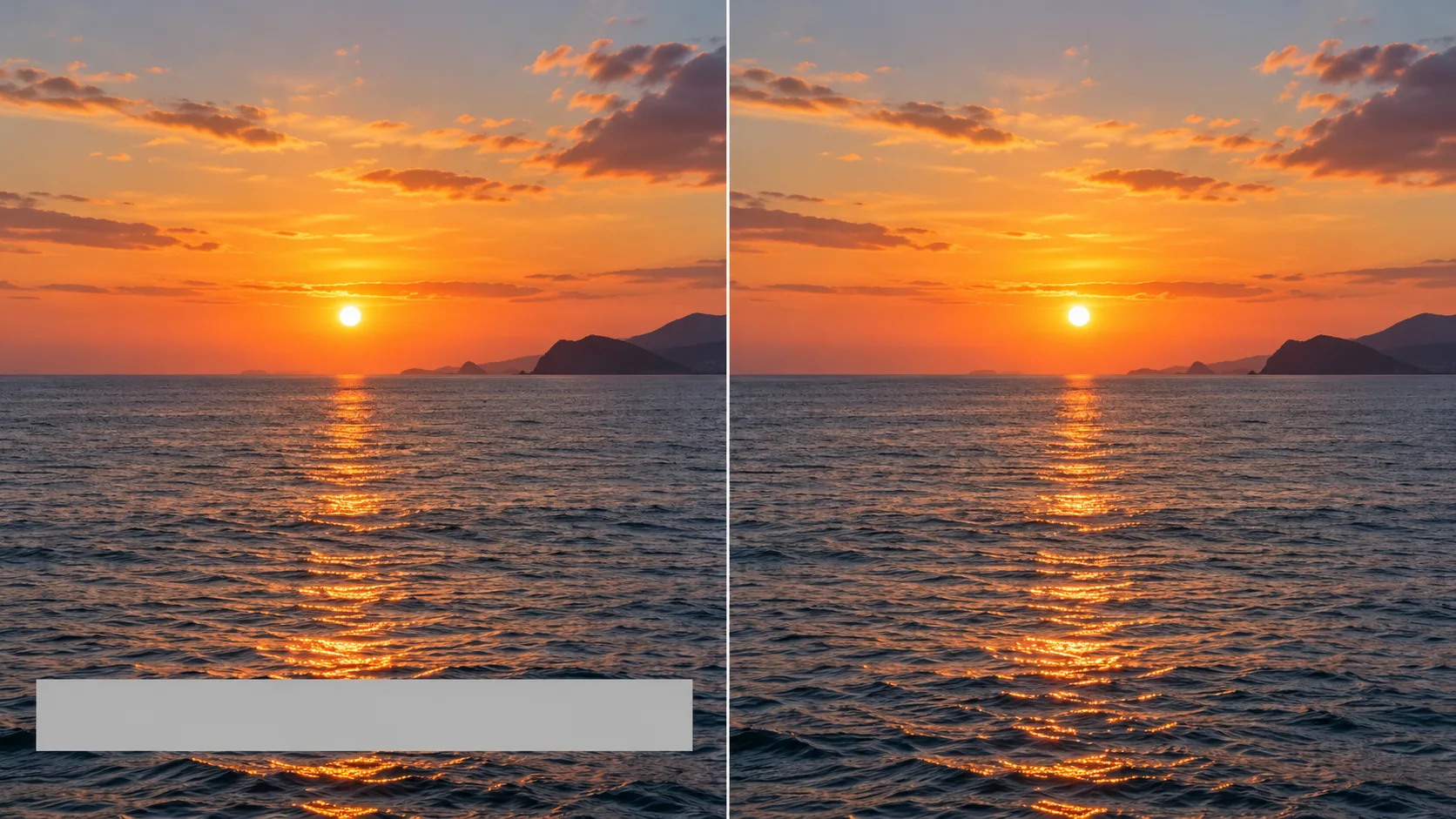
Reduce corner logos and burned-in captions on owned masters.
Frame-consistent fill
Inpaint across motion so cleanup does not flicker.
Export for reuse
Prepare cleaner cuts for edits and social crops.
Rights-aware workflow
Designed for footage you are allowed to modify.
Video Watermark Remover Examples

Video Watermark Remover FAQ
Motixo offers free trial credits when enabled. Only remove watermarks from videos you own or have permission to edit.
Try Video Watermark Remover
Start with one simple brief, then tune the lighting, style, and framing until it fits your campaign.