
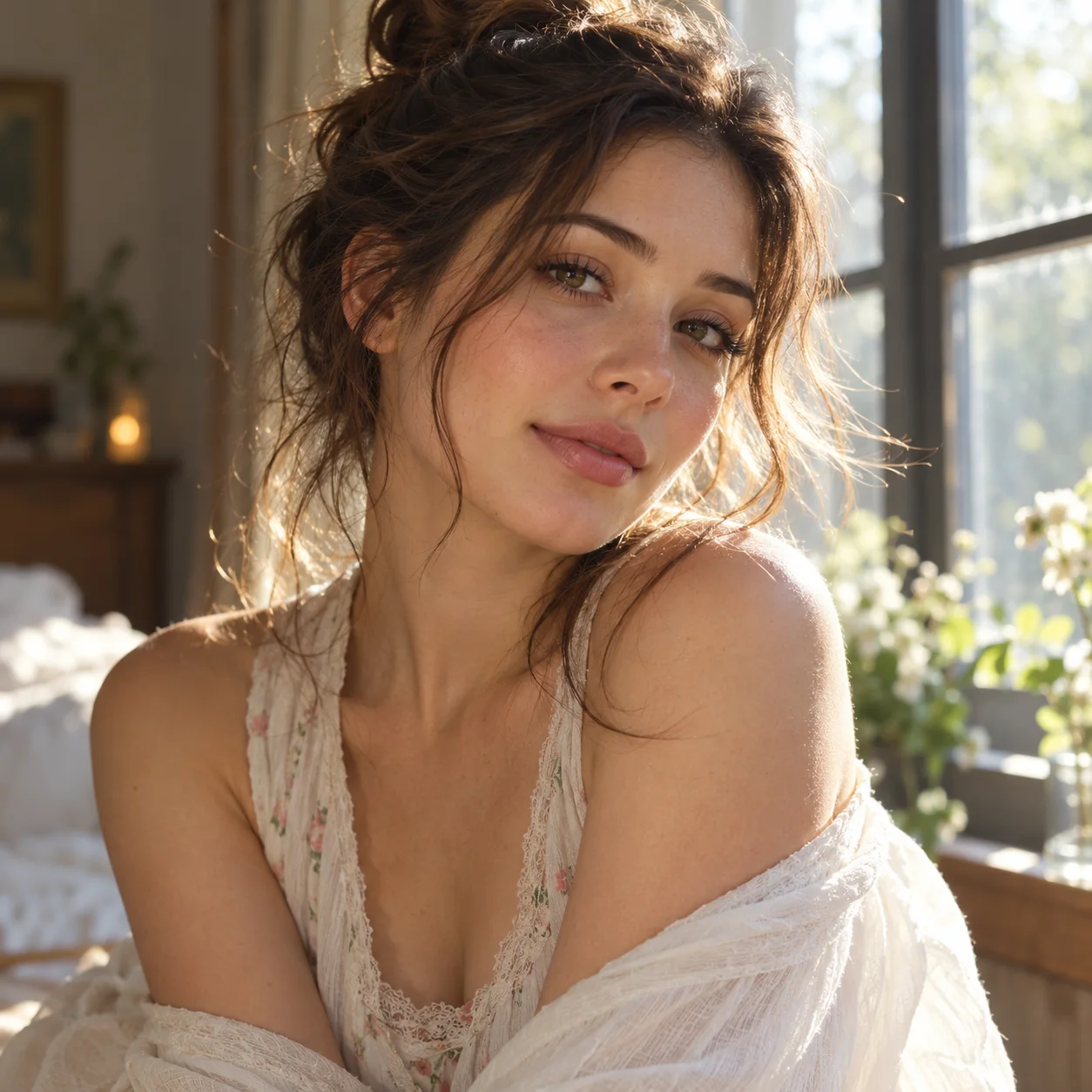
 Photo to video · living still
Generated video will be displayed here
Motixo video workflow
Photo to Video on Motixo
Animate a single photo into a short living clip — gentle motion and camera life without complex multi-frame setup.
- Start with a clear brief
- Built for real production use
- Explore multiple directions
How to use Photo to Video
Step 1
Choose one photo
Pick a sharp still you want to bring to life with photo to video.
Step 2
Select motion mood
Subtle portrait life, product shimmer, or soft parallax.
Step 3
Generate the clip
Export a short loop or social-ready video.
Photo to Video Features
One-photo simplicity
No last-frame setup — ideal when you only have a single still.
Portrait life
Soft expression and hair cues for people photos.
Product shimmer
Light sweeps that make catalog stills feel alive.
Fast social posts
Ship photo to video clips without a full storyboard.
Photo to Video Examples
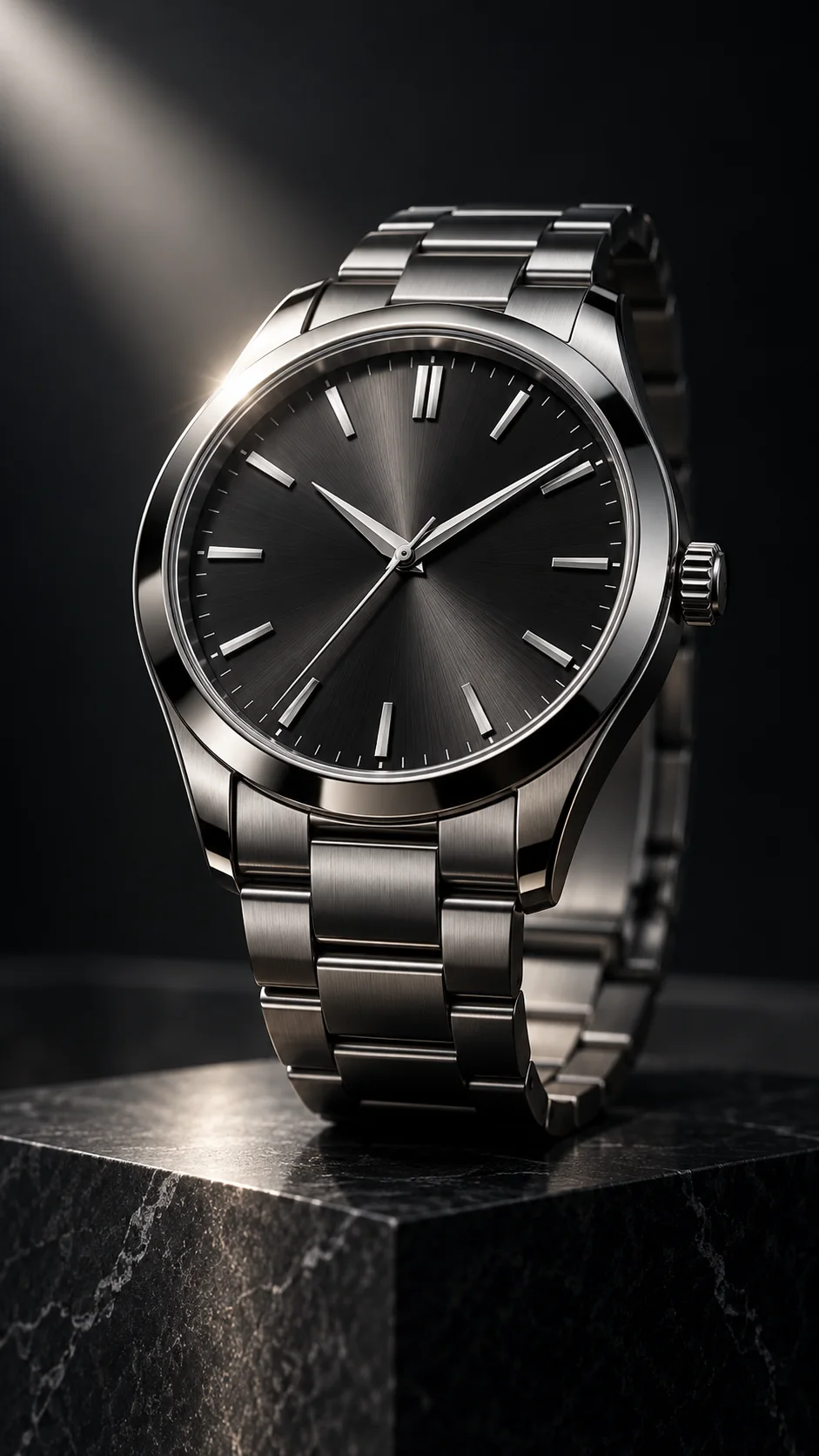
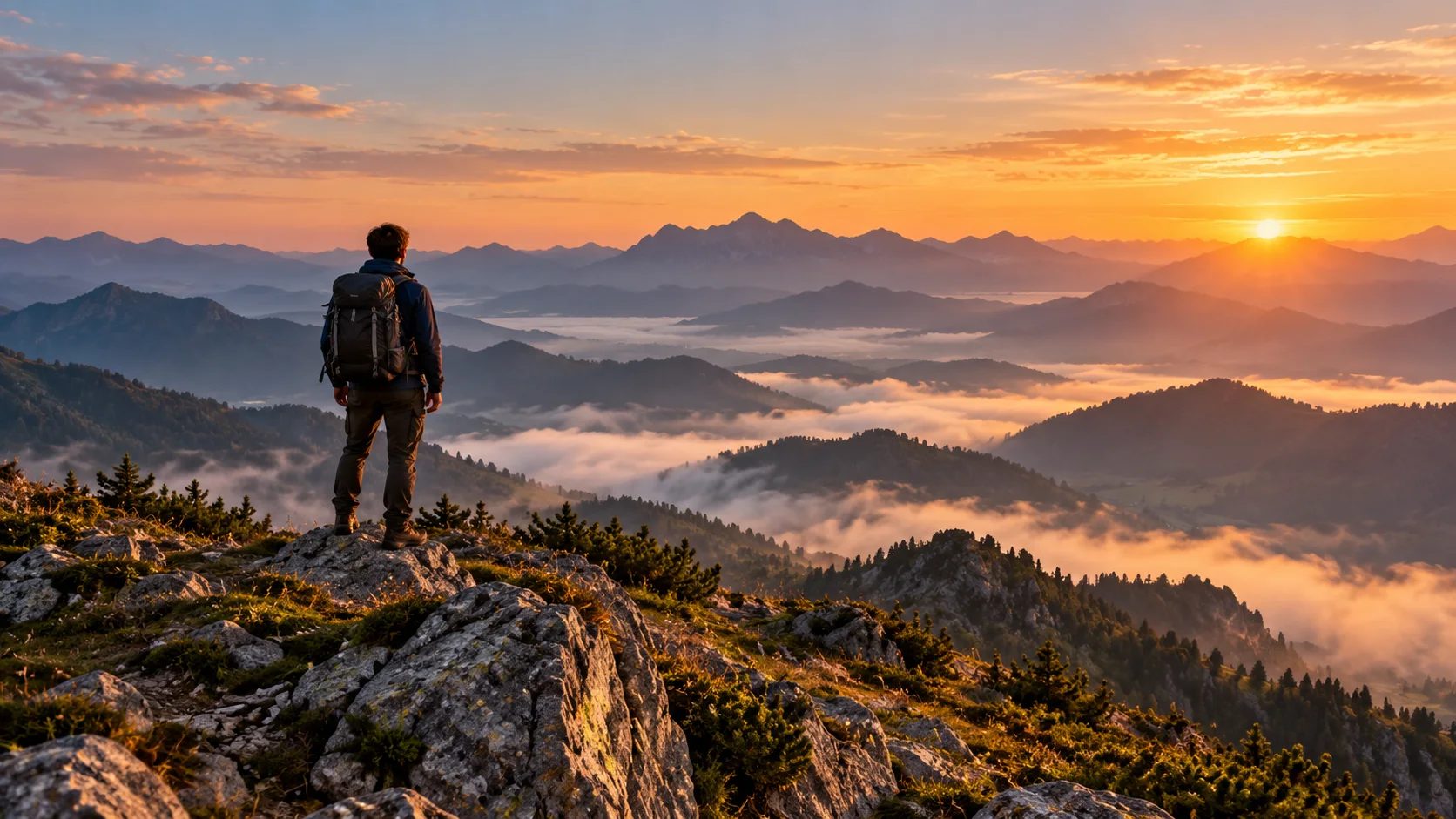
Photo to Video FAQ
Photo to video emphasizes simple one-still animation. Image to video adds first frame and last frame control for directed motion paths.
Try Photo to Video
Start with one simple brief, then tune the lighting, style, and framing until it fits your campaign.