
 Image upscaler · 4x detail
Generated image will be displayed here
Motixo image workflow
Image Upscaler on Motixo
Enlarge low-resolution images for print, banners, and retina UI while keeping edges and textures clean.
- Start with a clear brief
- Built for real production use
- Explore multiple directions
How to use Image Upscaler
Step 1
Upload a small image
Start with web-sized assets you need larger.
Step 2
Pick scale factor
Choose 2x or 4x depending on print or screen needs.
Step 3
Download the upscale
Export a sharper large file from the image upscaler.
Image Upscaler Features
2x and 4x enlargement
Grow assets for billboards, packaging proofs, and UI.
Edge-aware sharpening
Reduce mushy blur common in naive resize.
Texture preservation
Keep fabric, skin, and product materials believable.
Batch campaign assets
Upscale entire creative sets before launch.
Image Upscaler Examples
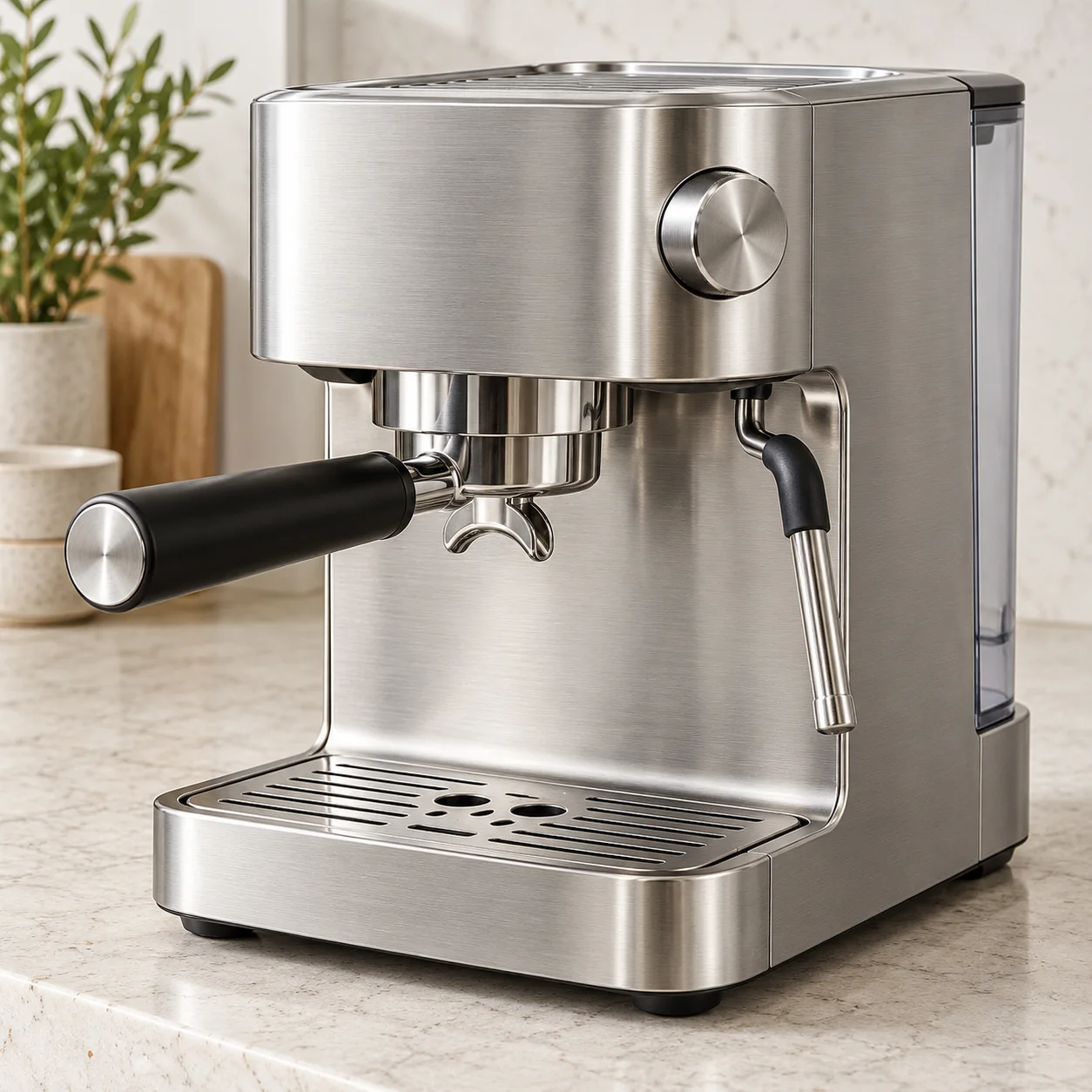
Image Upscaler FAQ
The best image upscaler depends on subject — Motixo targets commercial stills with clean edges and natural texture.
Try Image Upscaler
Start with one simple brief, then tune the lighting, style, and framing until it fits your campaign.
No credit card requiredFree to try