
 AI video generator · campaign clip
Generated video will be displayed here
Motixo video workflow
AI Video Generator on Motixo
Create short AI video clips from prompts or stills, then polish for ads and social — without leaving Motixo.
- Start with a clear brief
- Built for real production use
- Explore multiple directions
How to use AI Video Generator
Step 1
Pick a starting mode
Begin from text, a photo, or an existing clip inside the AI video generator flow.
Step 2
Generate the draft
Create a short motion draft with your chosen model.
Step 3
Polish and export
Tighten look and download for campaigns.
AI Video Generator Features
Multi-path creation
Text, photo, and edit paths under one AI video generator umbrella.
Campaign-length clips
Short outputs tuned for ads and organic posts.
Model choice
Switch video models for realism or stylization.
Studio continuity
Reuse Motixo stills as motion sources.
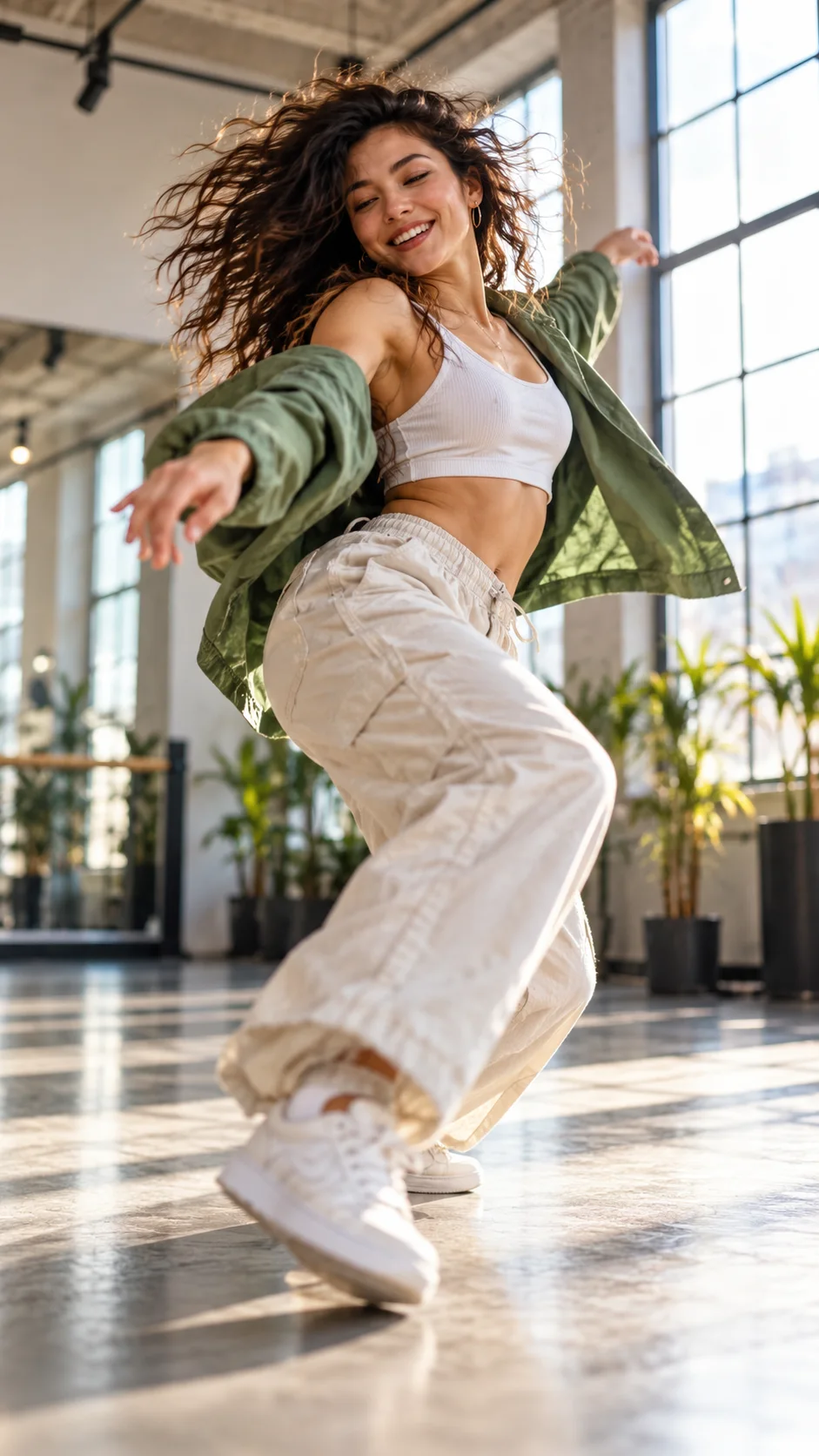
AI Video Generator Examples

AI Video Generator FAQ
Motixo offers free trial credits on eligible plans. Export watermark policy depends on your plan — check pricing before publishing.
Try AI Video Generator
Start with one simple brief, then tune the lighting, style, and framing until it fits your campaign.