
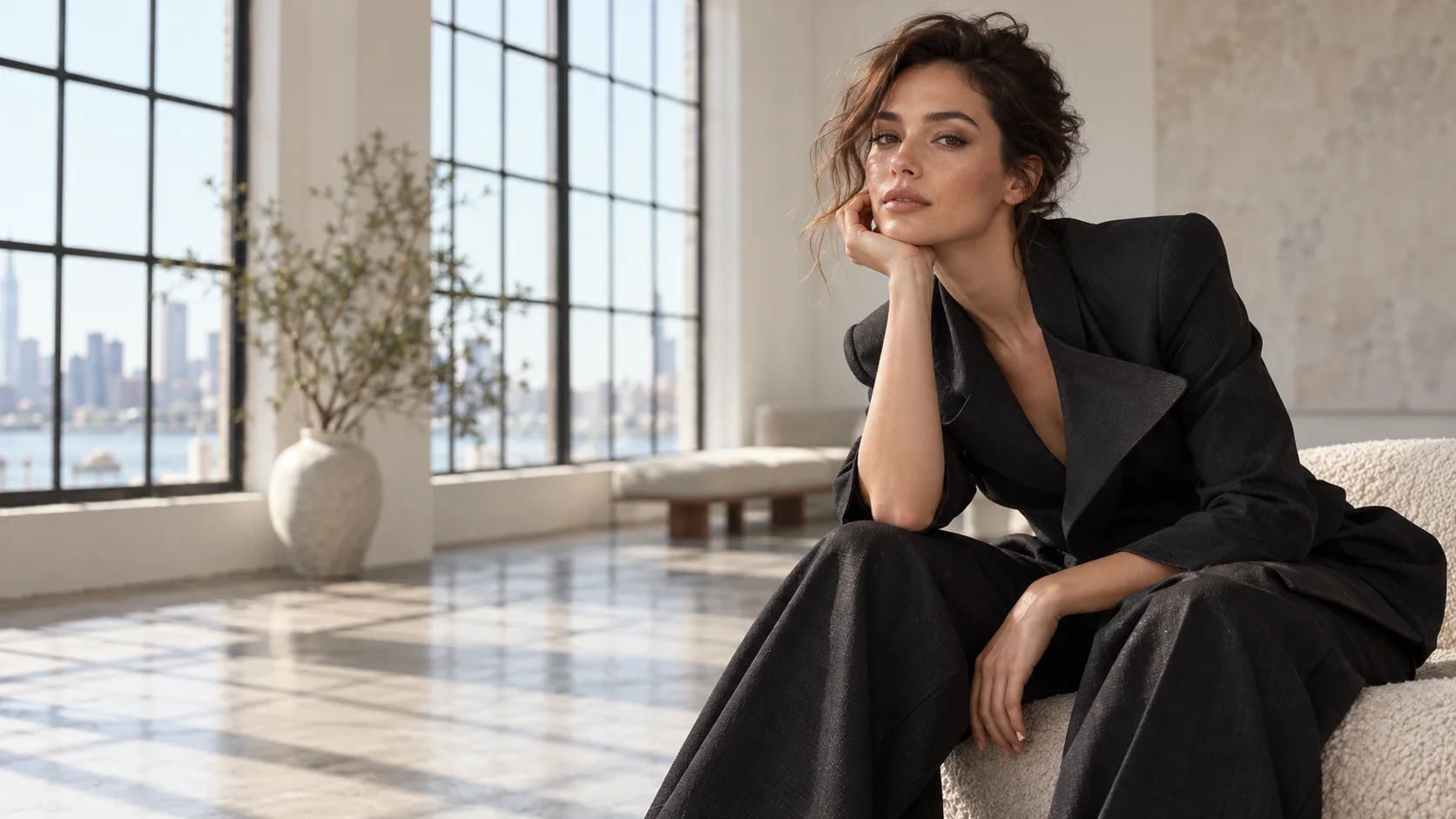
 AI portrait generator · editorial
Generated image will be displayed here
Motixo image workflow
AI Portrait Generator on Motixo
Generate editorial and character portraits with magazine lighting, fabric texture, and lifelike facial detail.
- Start with a clear brief
- Built for real production use
- Explore multiple directions
How to use AI Portrait Generator
Step 1
Set subject and wardrobe
Describe age cues, outfit, and pose for the AI portrait generator.
Step 2
Choose lighting mood
Window light, beauty dish, or golden hour for editorial impact.
Step 3
Refine expressions
Iterate subtle expression shifts until the portrait feels intentional.
AI Portrait Generator Features
Editorial magazine lighting
Rembrandt and beauty lighting patterns for campaign portraits.
Fabric and hair detail
Sharp textiles and natural hair movement for fashion looks.
Character and brand avatars
Build consistent faces for stories, channels, and IP.
Social-ready crops
Vertical and square AI portrait generator outputs for feeds.
From photo or prompt
Start from a reference face or a text-only brief.
AI Portrait Generator Examples
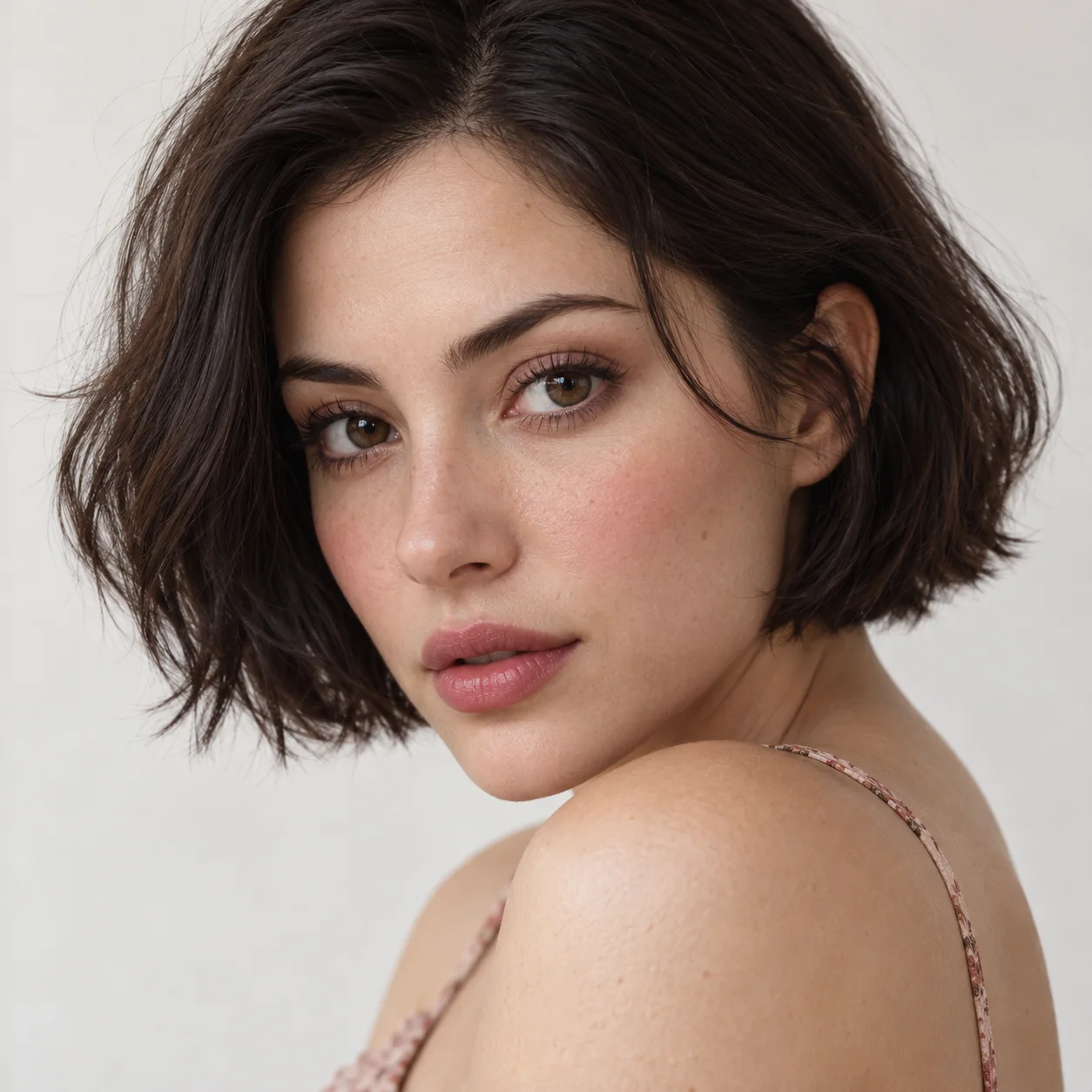

AI Portrait Generator FAQ
Headshots prioritize professional profiles. An AI portrait generator targets creative, fashion, and character expression.
Try AI Portrait Generator
Start with one simple brief, then tune the lighting, style, and framing until it fits your campaign.