
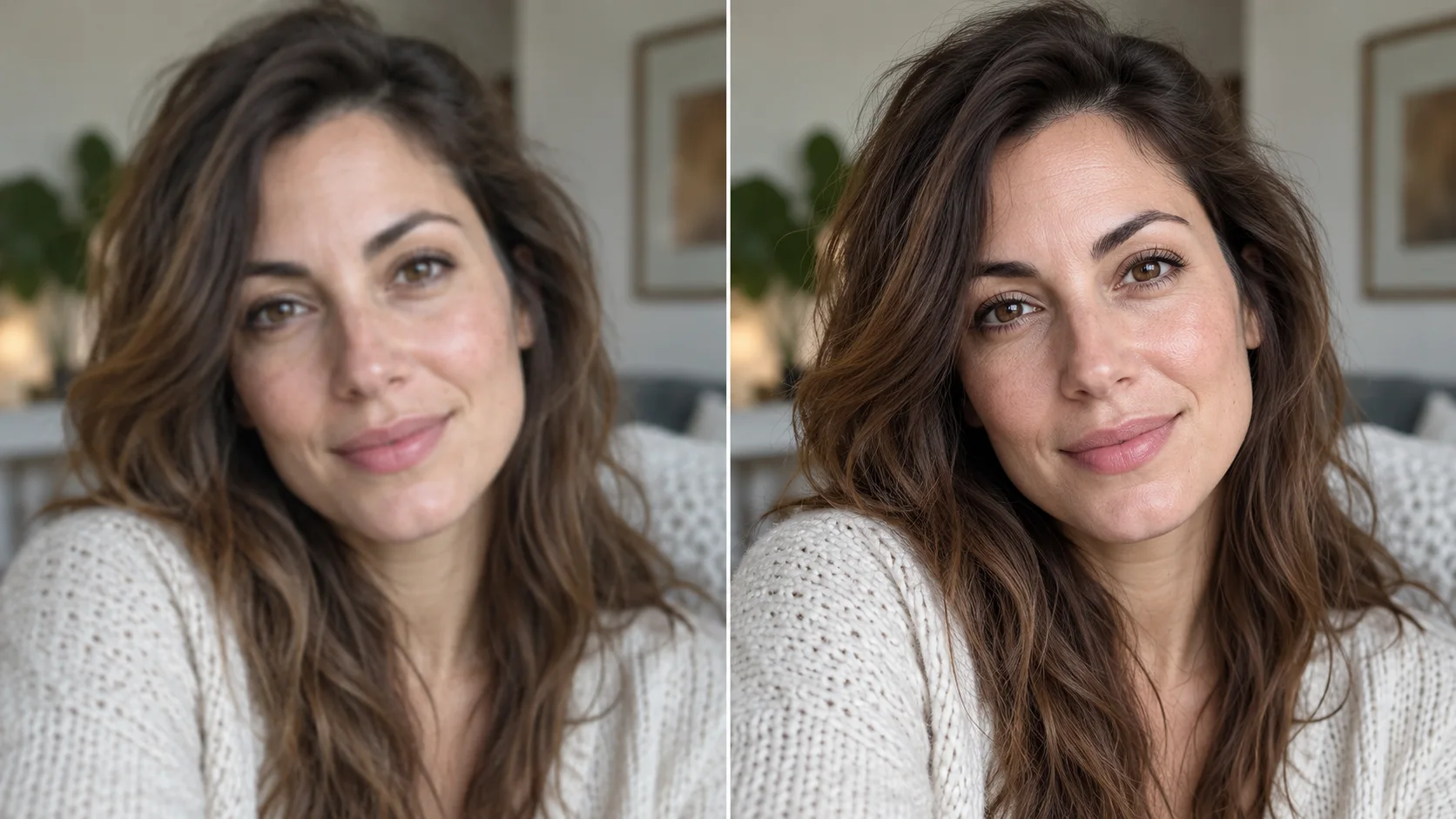
 AI image enhancer · clearer detail
Generated image will be displayed here
Motixo image workflow
AI Image Enhancer on Motixo
Improve soft or dull photos with smarter sharpening, color balance, and noise cleanup for publish-ready stills.
- Start with a clear brief
- Built for real production use
- Explore multiple directions
How to use AI Image Enhancer
Step 1
Upload the photo
Drop a soft, dark, or noisy image into the AI image enhancer.
Step 2
Choose enhance strength
Dial detail recovery without plastic skin or halos.
Step 3
Compare and export
Review before/after and download the enhanced frame.
AI Image Enhancer Features
Detail recovery
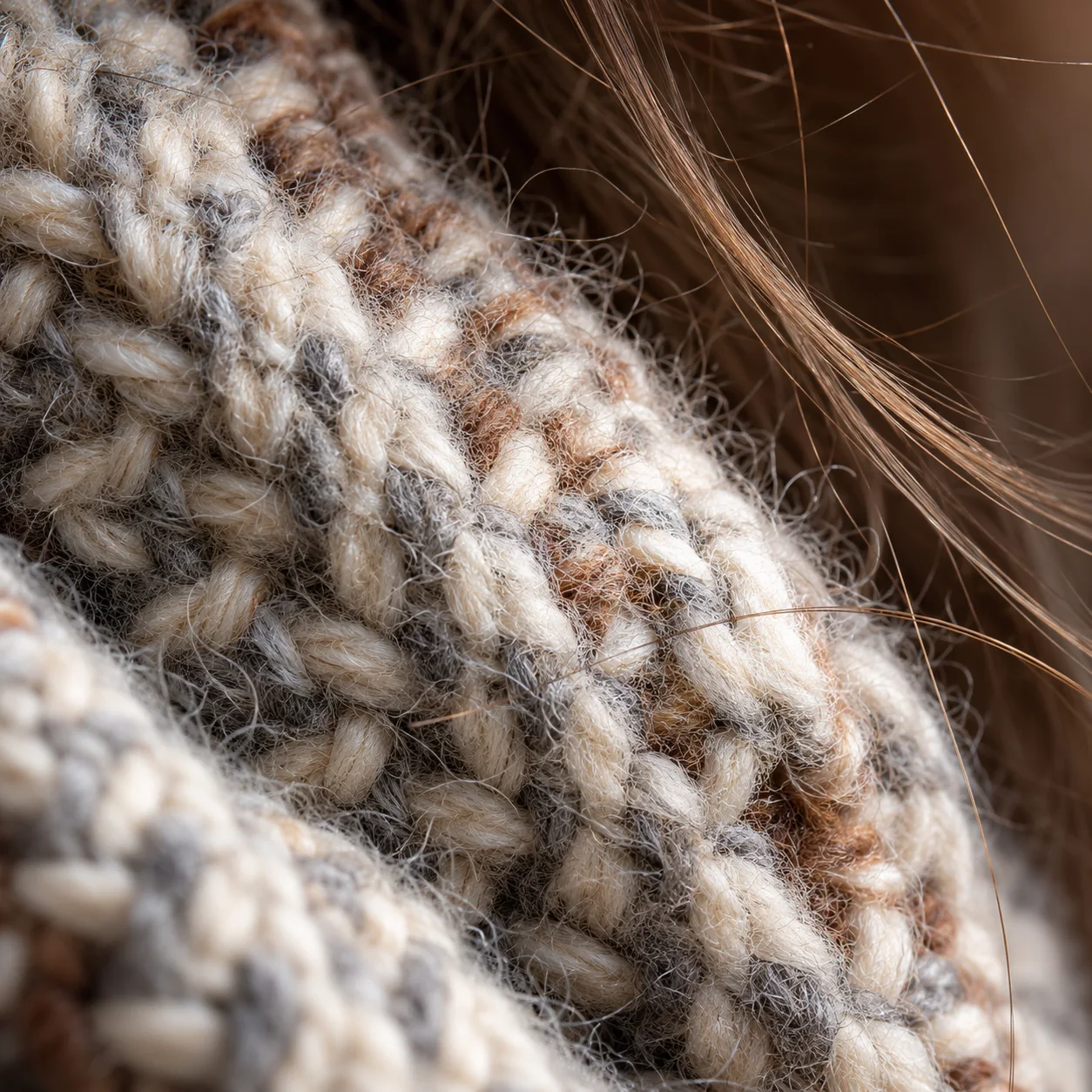
Bring back fabric, text, and edge clarity on soft shots.
Color and exposure balance
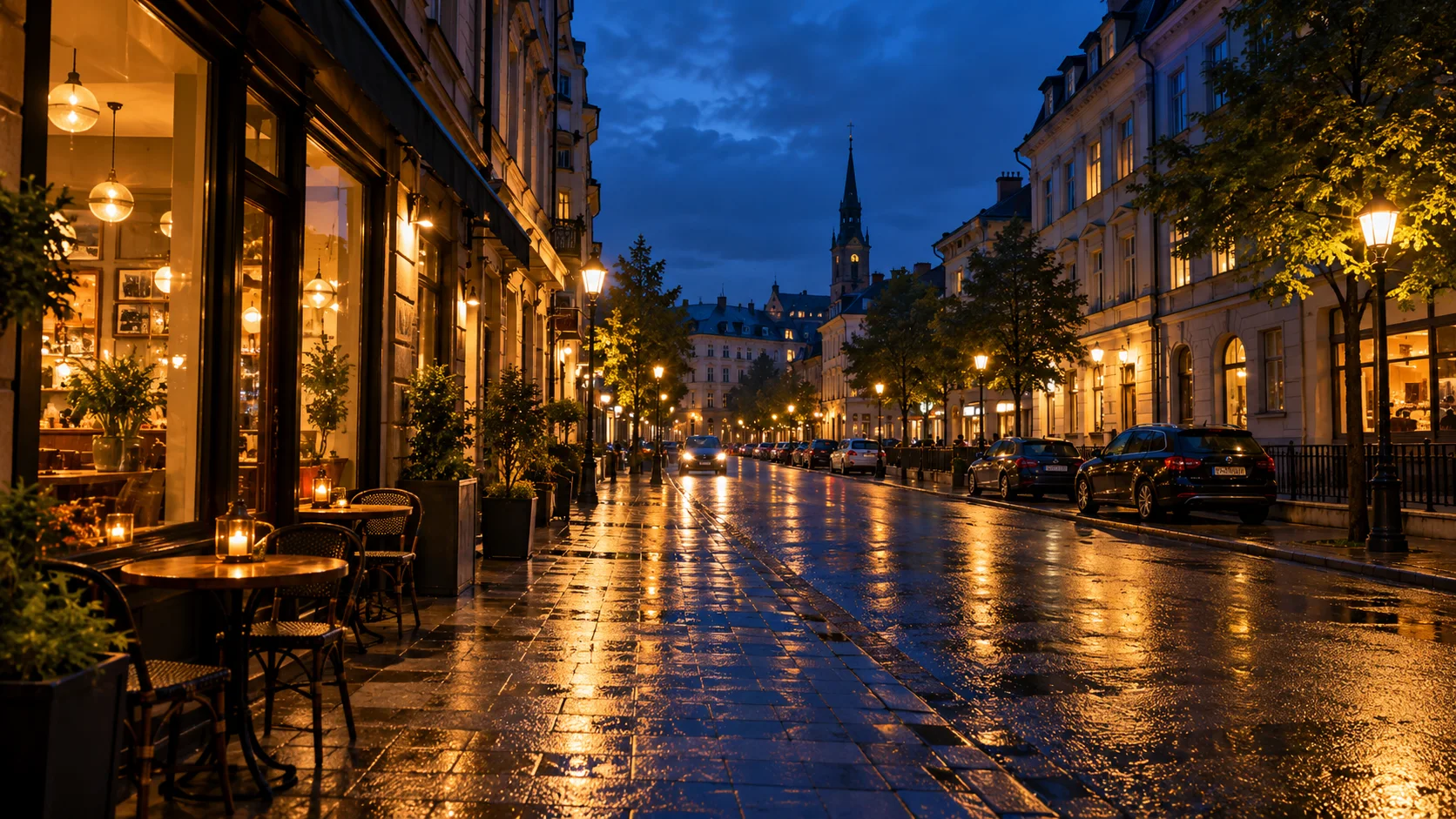
Fix flat lighting while keeping natural tones.
Noise cleanup
Reduce grain from low-light phone photos.
Web and print ready
Export sizes that fit social, ads, and decks.
AI Image Enhancer Examples
AI Image Enhancer FAQ
Look for tools that recover detail without plastic skin. Motixo AI image enhancer focuses on natural sharpness and color.
Try AI Image Enhancer
Start with one simple brief, then tune the lighting, style, and framing until it fits your campaign.